To notify a customer by sending SMS/Email once payment is recorded, please follow the below mentioned steps.
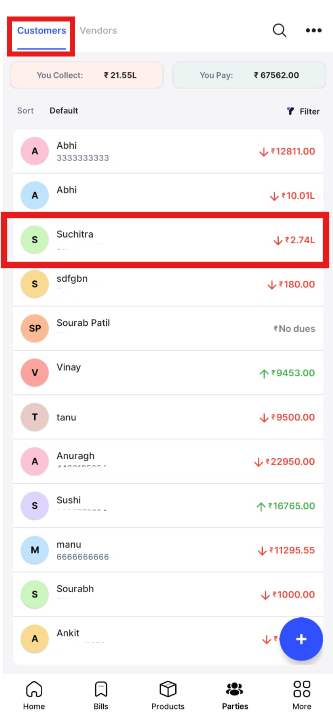
Step 1. Go to Parties from the home page.

Step 2. Click on Customers and select the Customer for whom you want to record payment.
Step 3. Click on You Got to record the payment received.

Step 4. Record the payment received and other details, and Scroll down.

Step 5. Click on Send SMS to Customer and E-mail to Customer “Toggle” to enable it, and click on Record to record the payment and notify customer.
