As per the latest government notification, the updated GST rates will be effective from 22nd September 2025. Please update your product tax rates in Swipe on 22nd September to ensure compliance and accurate invoicing. Once applied, the new rates will automatically reflect in all invoices created thereafter.
Step 1: Go to Products & Serivices >> Click on the Notification “Update Now”.

Step 2: To change the tax percentage for the items, you can select the applicable tax.

Step 3: You can also Click on the Icon “+” to drag it to apply to all products if they are same.

Step 4: Review your Selling Price column “With Tax” or “Without Tax” >> Here, you can edit a minimum of 500 products at a time.
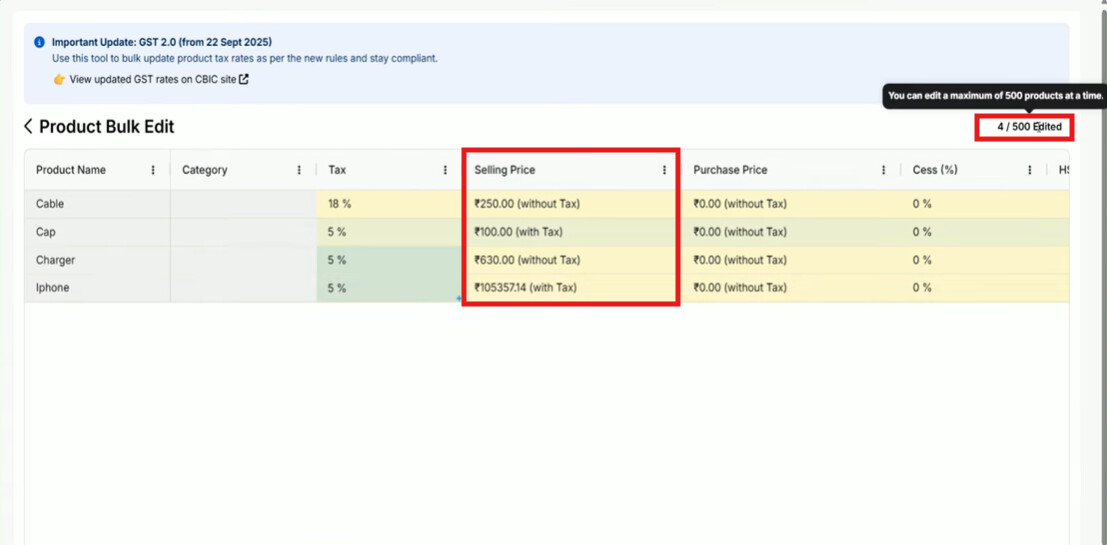
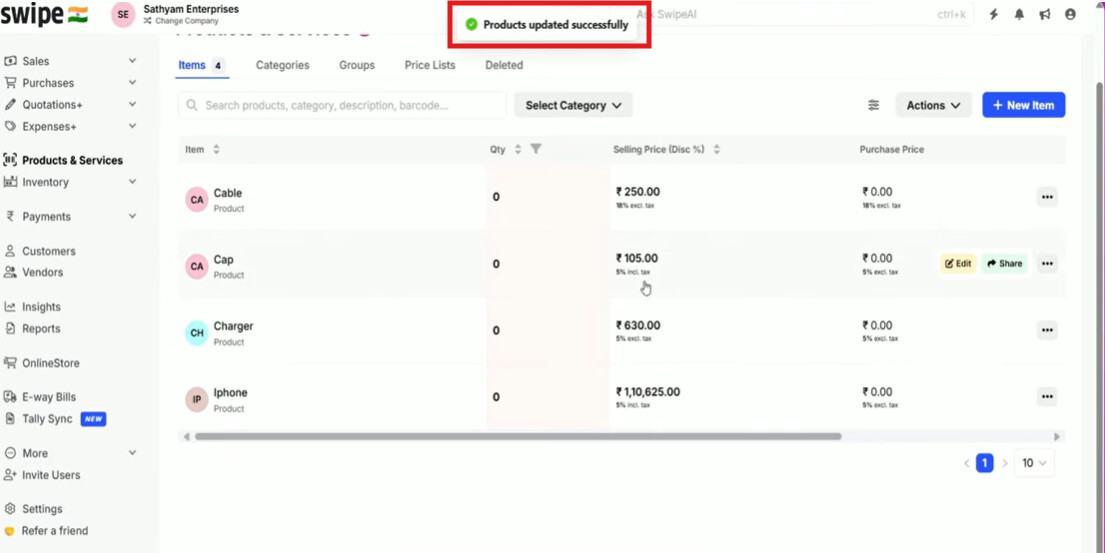
Step 5: Scroll down and click on Submit, once updated you will get a notification as “products updated successfully”.
Please refer to the below mentioned video to edit product taxes in bulk:

For better assistance, please reach out to Swipe Support by clicking on the link mentioned below: