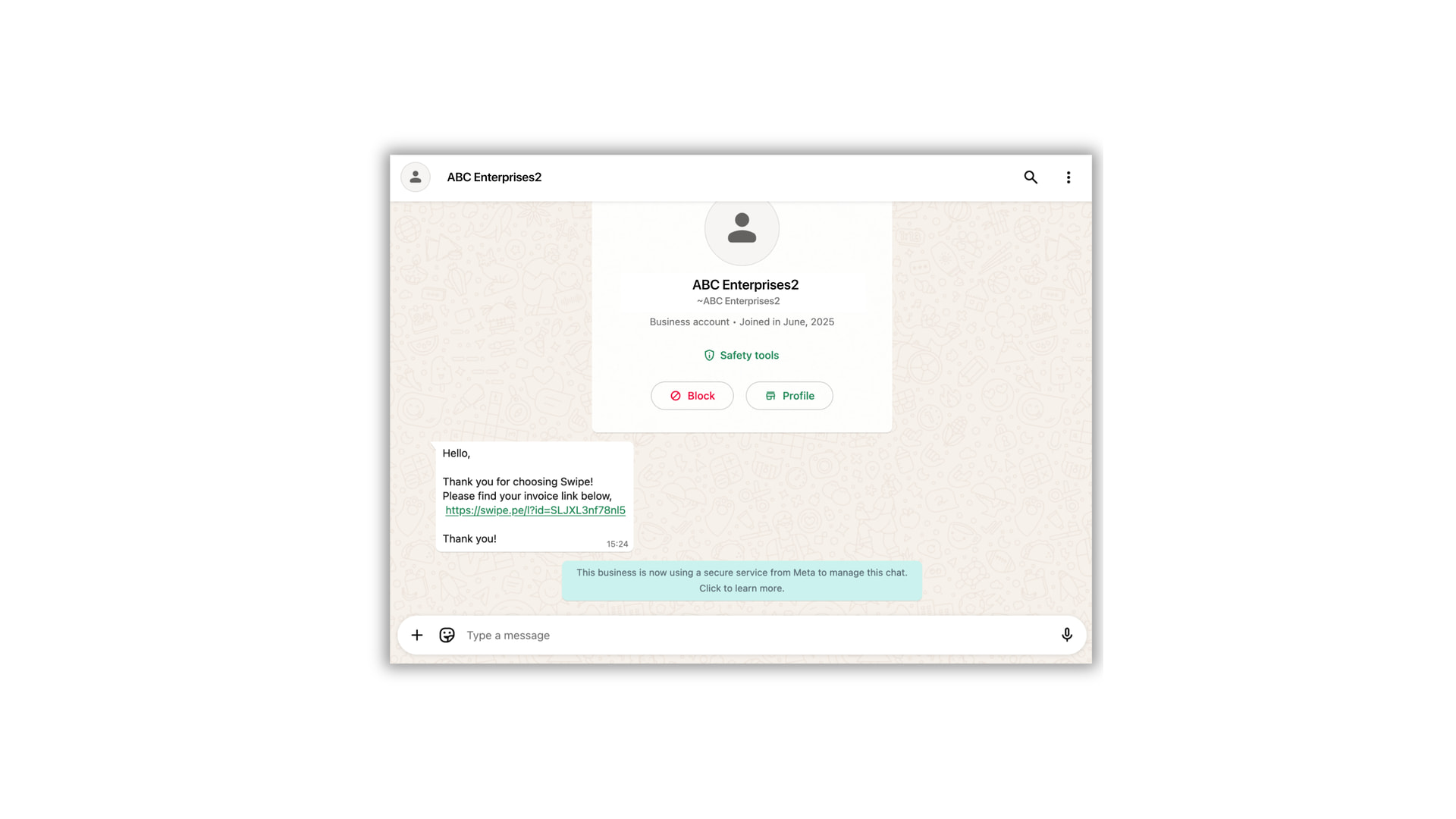
With Interakt integration, you can send invoices, payment reminders generated in swipe and run marketing campaigns from your WhatsApp Business Number.
Step 1: Open Swipe and navigate to Settings.
Under the Integration section, select WhatsApp and click on Connect Interakt.

Step 2: Now log in to your Interakt dashboard. On the top right section, Go to Settings then select Developer Settings.

Step 3: From the API Docs Page, copy the Secret Key. Go back to Swipe and paste Secret Key , then click on Create Integration.

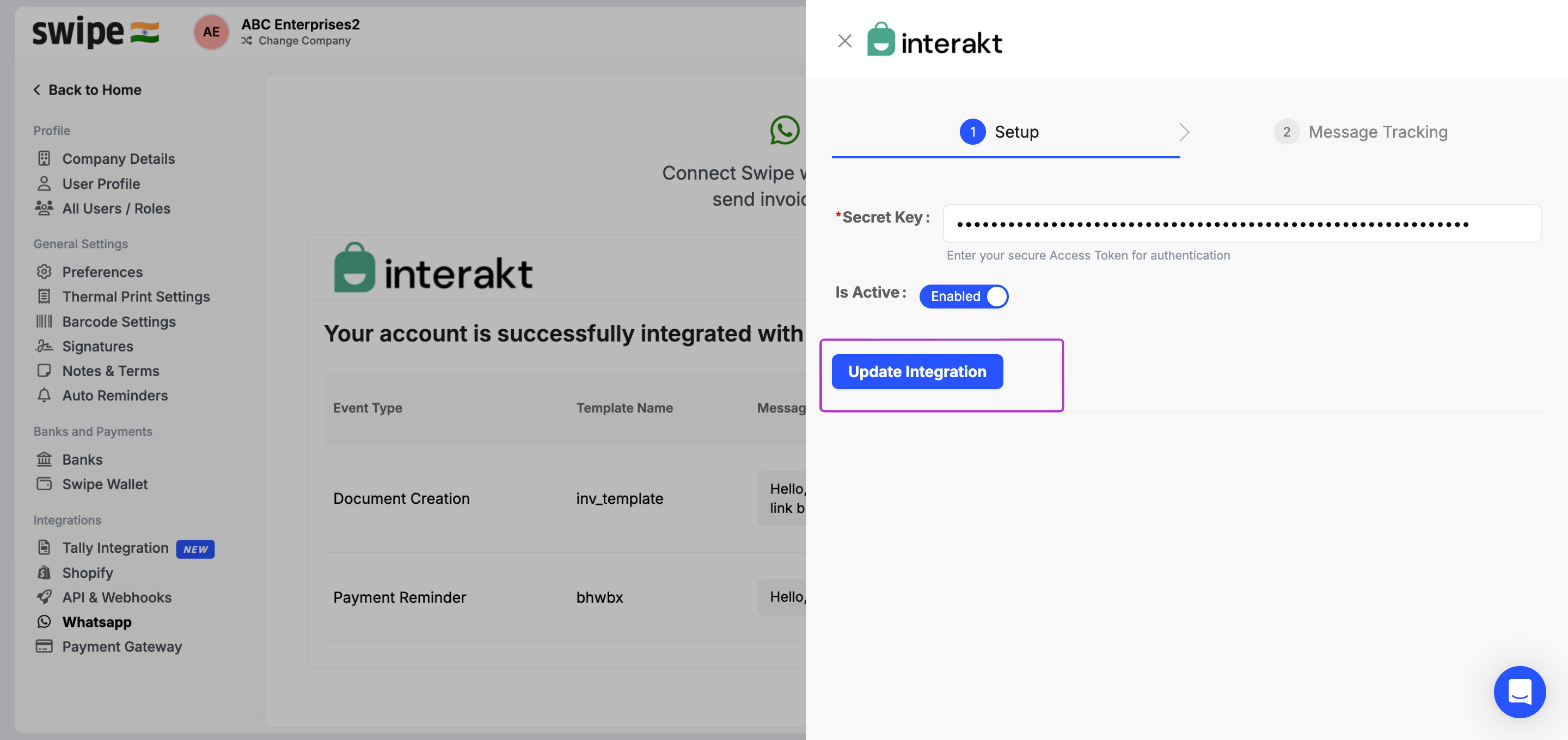
Step 4: Once you’ve done that, Swipe will generate a Webhook URL. Go to Message Tracking and Copy this Tracking URL and secret key and paste in Interakt under respective fields, as you’ll need it to track messages through Interakt.


Once done. Scroll down and click on Template Messages sent via API and enable statuses: ‘Sent’ status, ‘Delivered’ status, ‘Read’ status, ‘Failed’ status and Click Submit.

Step 5: Go back to Swipe and open Settings, then WhatsApp Integration. Click on Link Existing Templates, select Invoice Creation under the Trigger(Business Event), and choose the templates you want to link under WhatsApp Message Template for sending Invoices/reminders.
Note: Templates can only be created on Interakt.

Under Fill in the details, map the Variables in the message with Swipe fields, and then click Save and Link.

If you want the sample template, click on Sample Template and copy the template then customize it in your Interakt platform. Later, map the items in the message with Swipe fields.

Step 6: To automate your messaging, go to Settings, then Preferences, select Documents, and under Sales, turn on the option to Auto-send WhatsApp messages. Click Save and Update.
Refer to the article below for the same,
Note: Swipe credits will not be deducted for sending automatic invoices post WhatsApp integration.
Step 7: Now let’s test this out. Create an invoice in Swipe.
As soon as the invoice is created, the WhatsApp message will be automatically sent to the customer.

You can refresh the page to track the delivery status directly in Swipe, and if you open WhatsApp, you’ll see the message delivered to your customer from your WhatsApp Business number.