To download user wise sale item profit and loss statement, please check the steps mentioned below.
Step 1. Go to the “Reports”.

Step 2. Click on Profit & Loss (PL) Report and select Sales Items P&L Report.
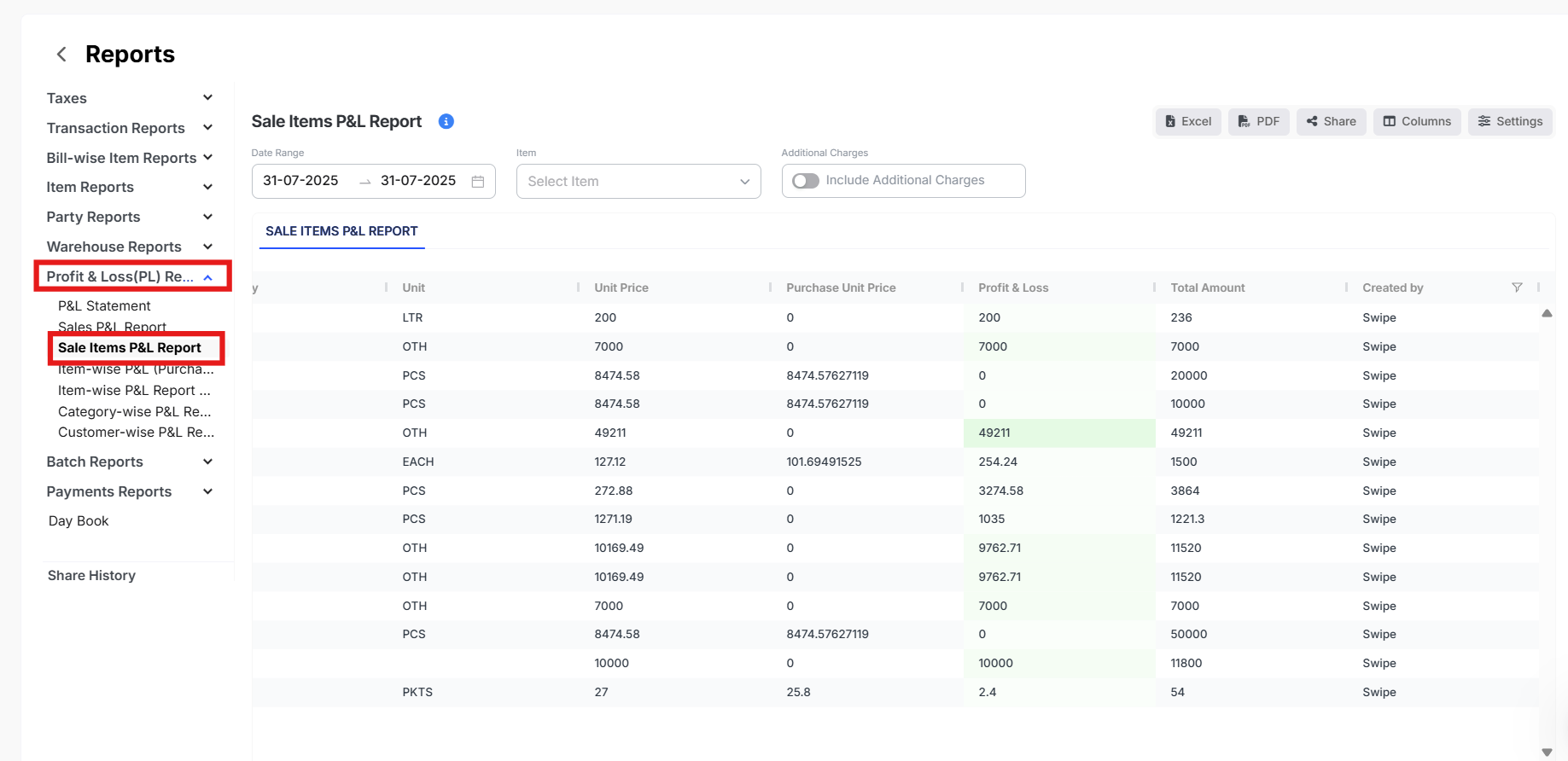
Step 3. Click on Columns and select Created by.

Step 4. Under the Created by Column, please click on the Filter Icon and select the User.
Next, click on Apply

Step 5: Click on Excel or PDF to download the file.
