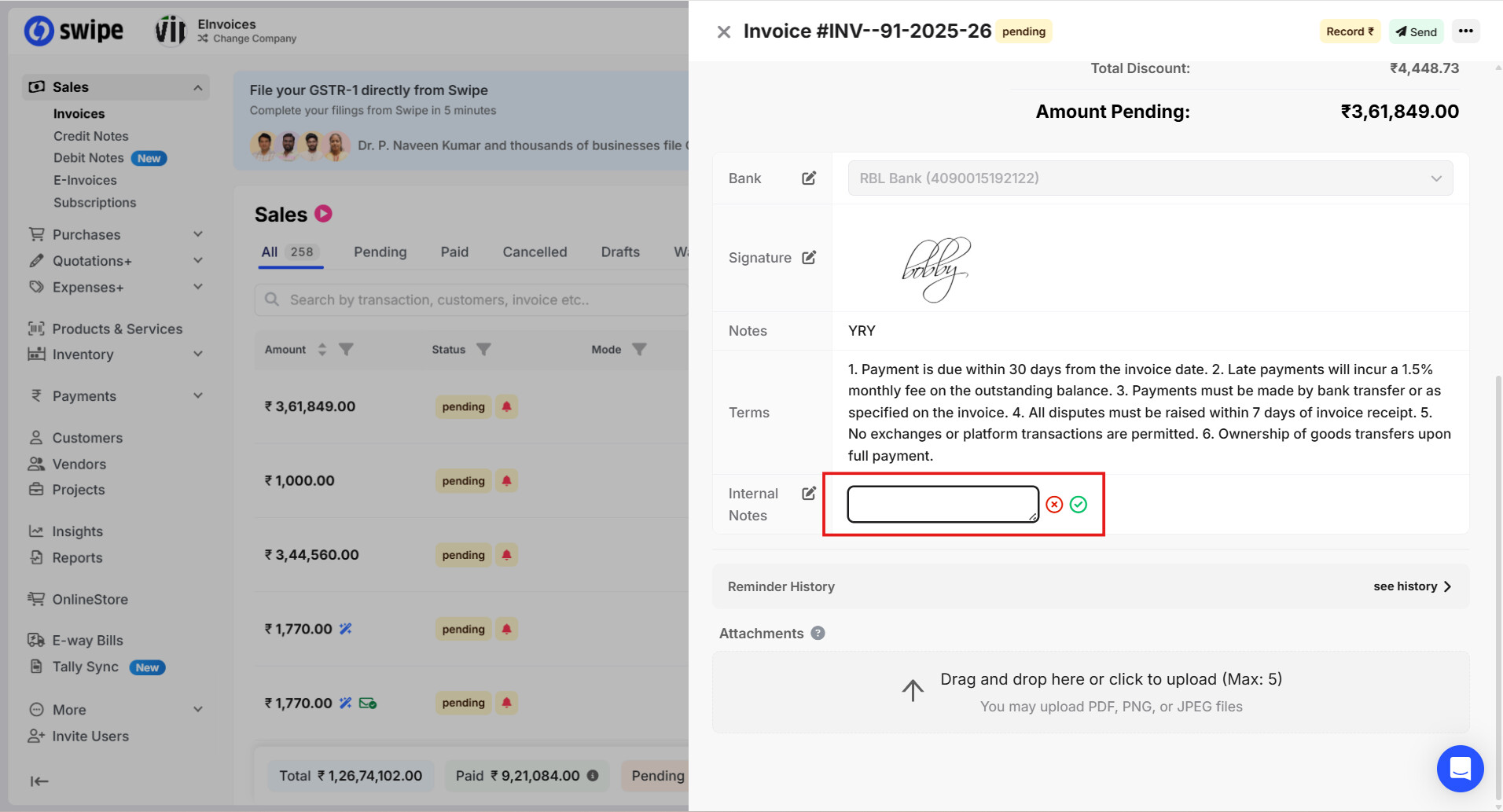
To add an internal note for myself in an invoice on ,the web, please follow the steps mentioned below.
Step 1: Go to Invoices and open the invoice in which you want to add an internal note.Then click on any blank space within the invoice.

Step 2: Click on the notepad/write icon under the Internal Notes section

Step 3: Enter your internal note and click on the tick ( ) icon to save it.