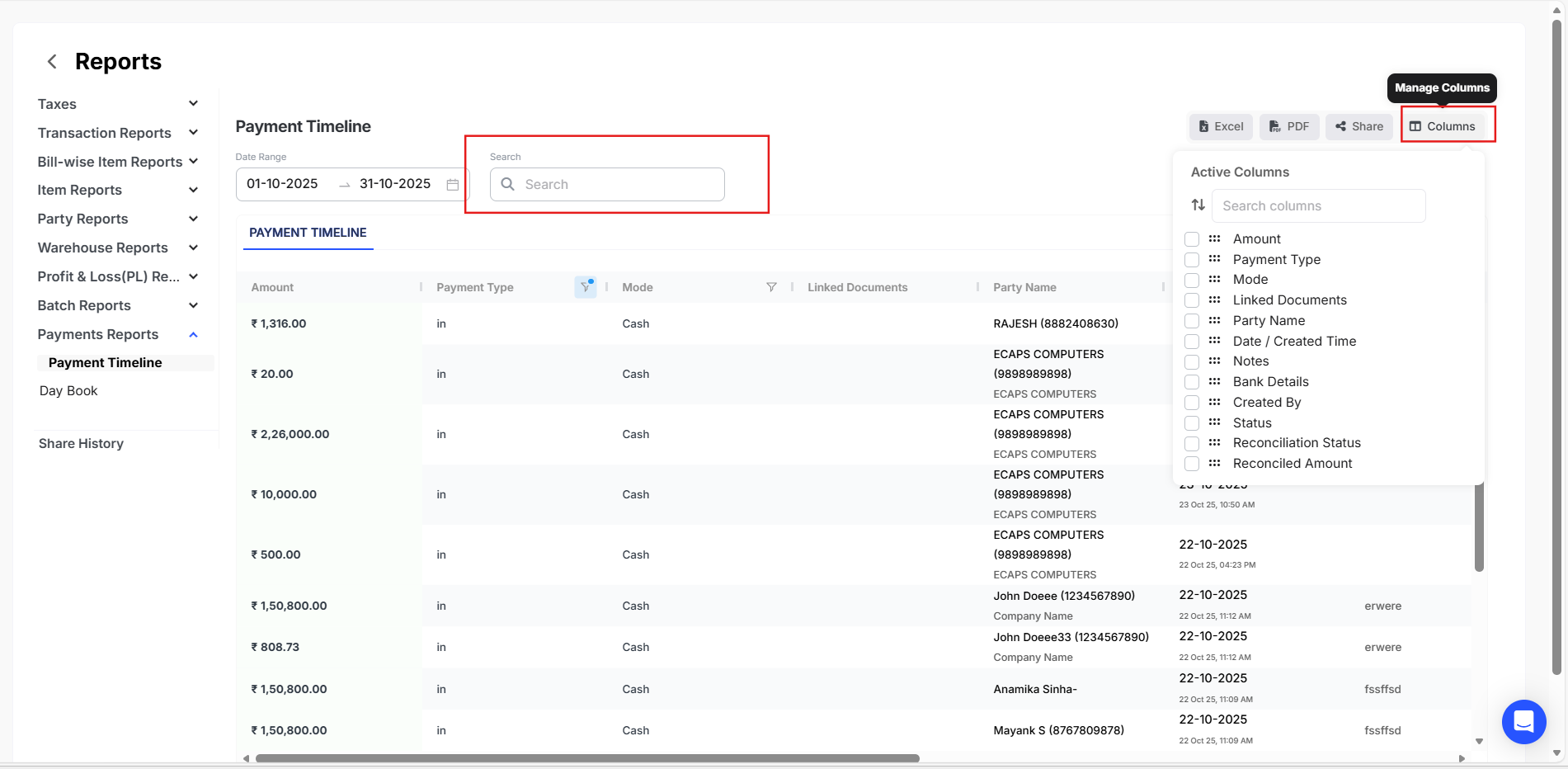
To view all the Payments In and Out entries of a particular Vendor, please follow the steps mentioned below.
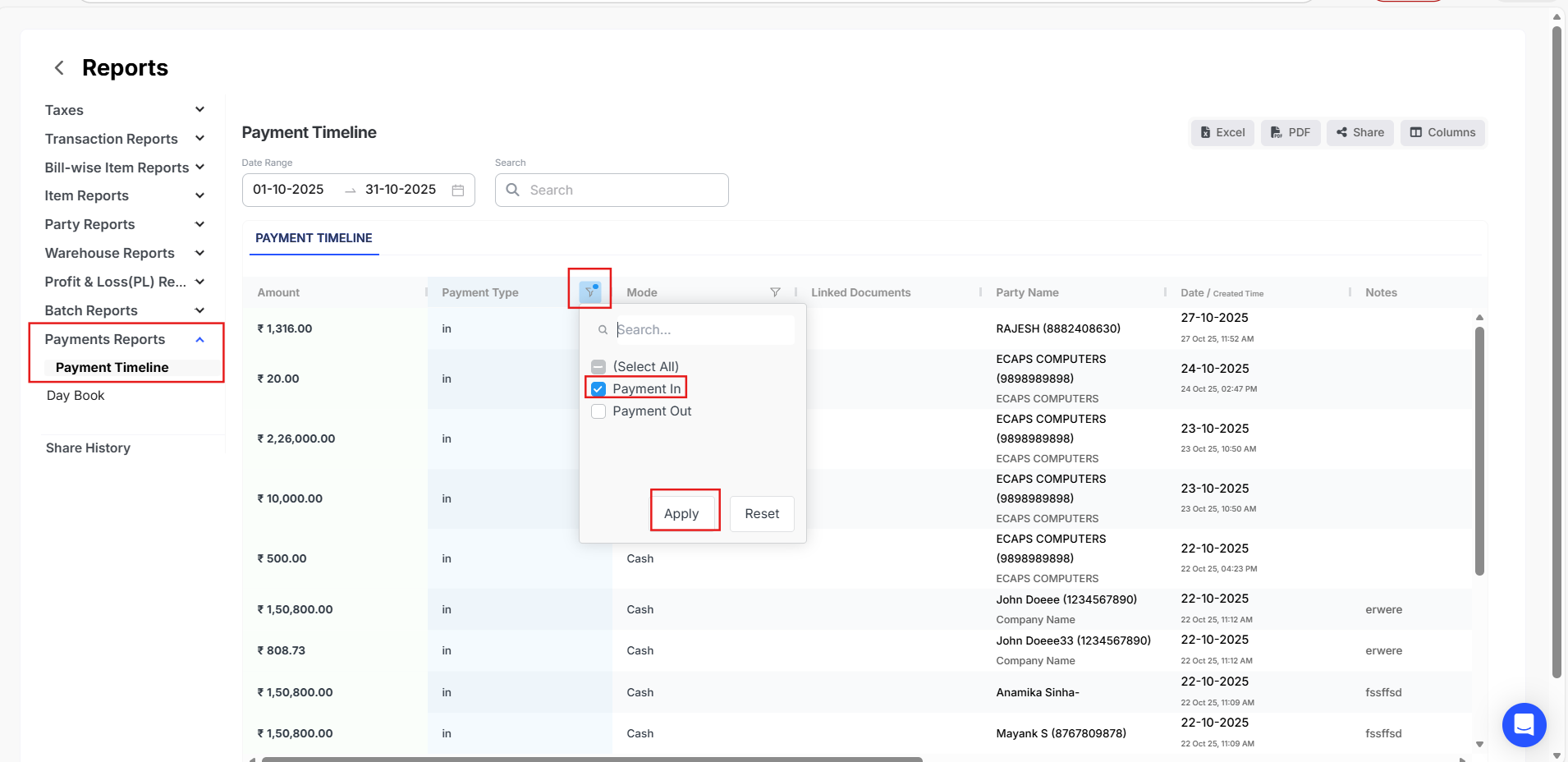
Step - 1 : Go to Reports.
Step - 1 : Go to Payments section and in Payments Timeline click on Filter option and then select Payments In/Out option.
Step - 3 : Click on columns to select the required columns and then Select the desired Vendor.