To select batch for a product with batches while creating a purchase invoice on web, please follow below mentioned steps:
Step 1: Please go to Purchases and click on +Create Purchase.

Step 2: Proceed with adding the desired product.

Step 3: Select the batch for the product.

Step 4: Also you can add the new batches from the right up side corner and save the details.
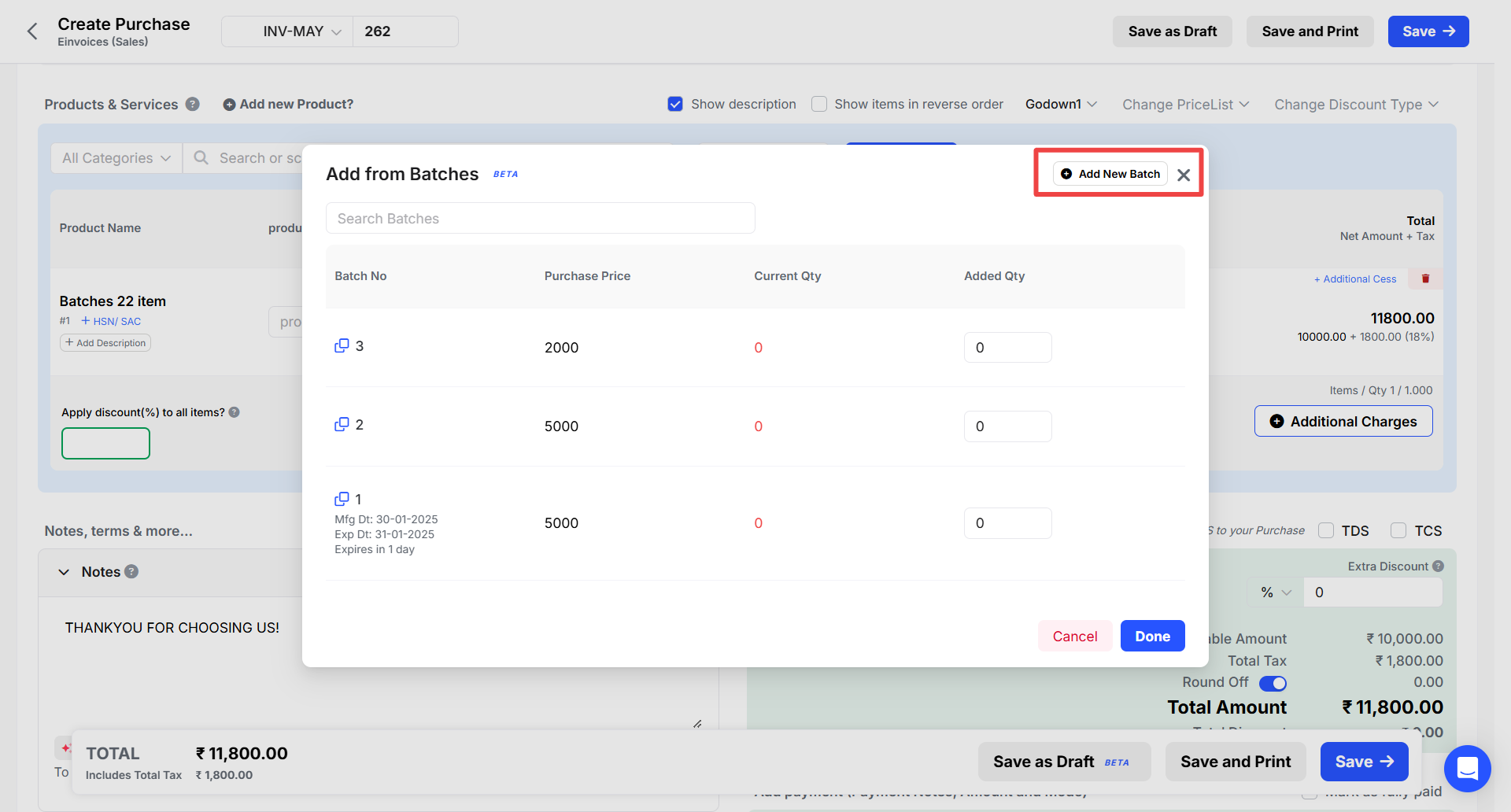
Step 5: For new batch, mention the new batch details.

Step 6: Your all details will display here and you can click on Done option.
