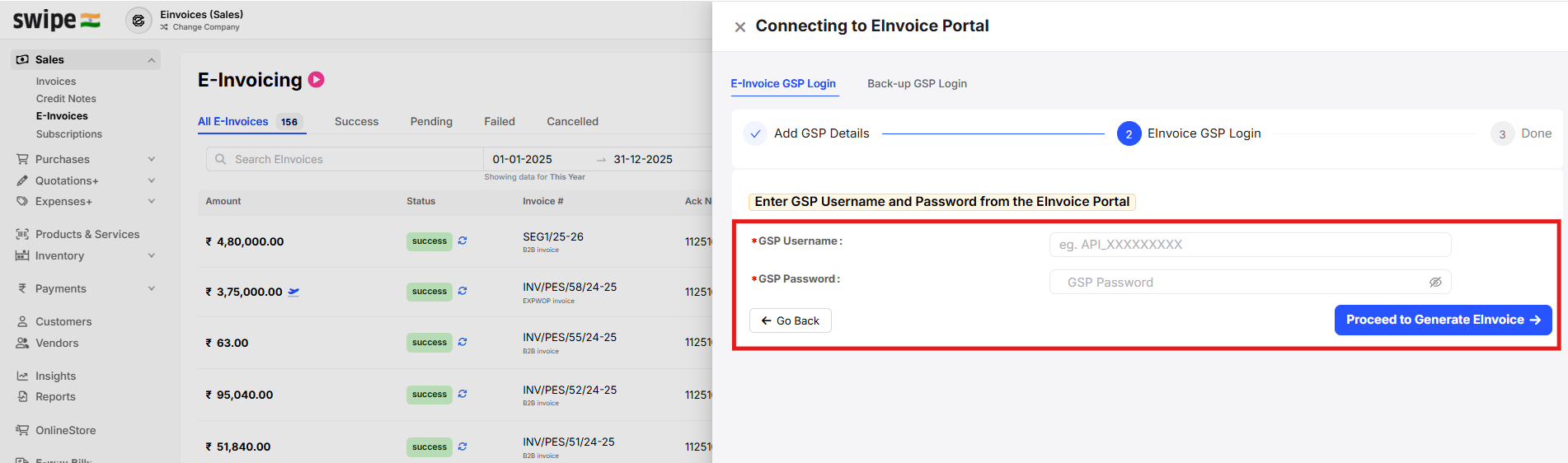
To re-login for E-invoice GSP on web, please follow below mentioned steps:
Step 1: G to the E-invoice amd click on Re-login.

Step 2: Click on processed E-invoice GSP login.

Step 3: Enter the GSP user name and password and click on Proceed to Generate E-invoice.