To make an invoice with TDS on Android, please follow the below mentioned steps:
Step 1:- Click on invoice in your swipe application.

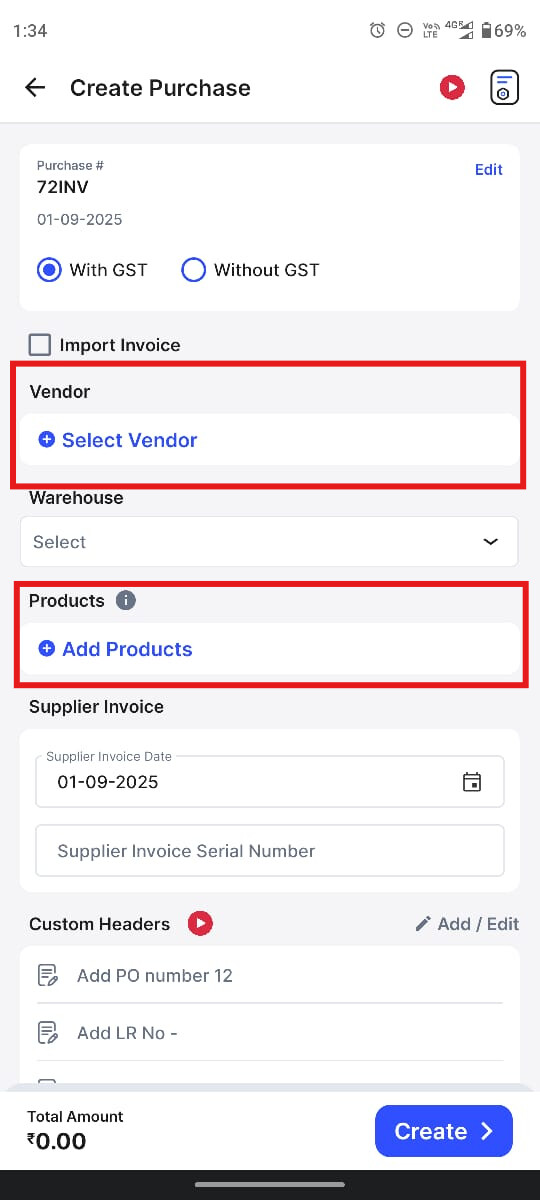
Step 2:- Select a Vendor and then add Product
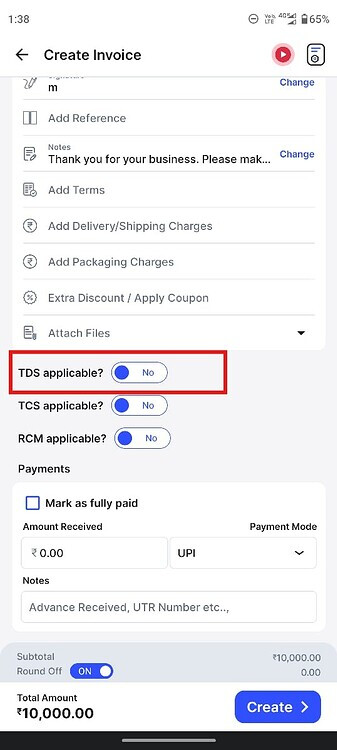
Step 3:- Scroll down and enable the TDS applicable option.
Step 4:- After enabling the TDS applicable option. Select the applicable TDS section for the product.

Step 5:- After selecting the applicable TDS Section. Click on create to make invoice with TDS
