To fetch GSP Username and Password, please follow the steps mentioned below,
Step 1. Go to E-way Bills and click on Re-Login.

Step 2. Click on login to E-way bill Portal.

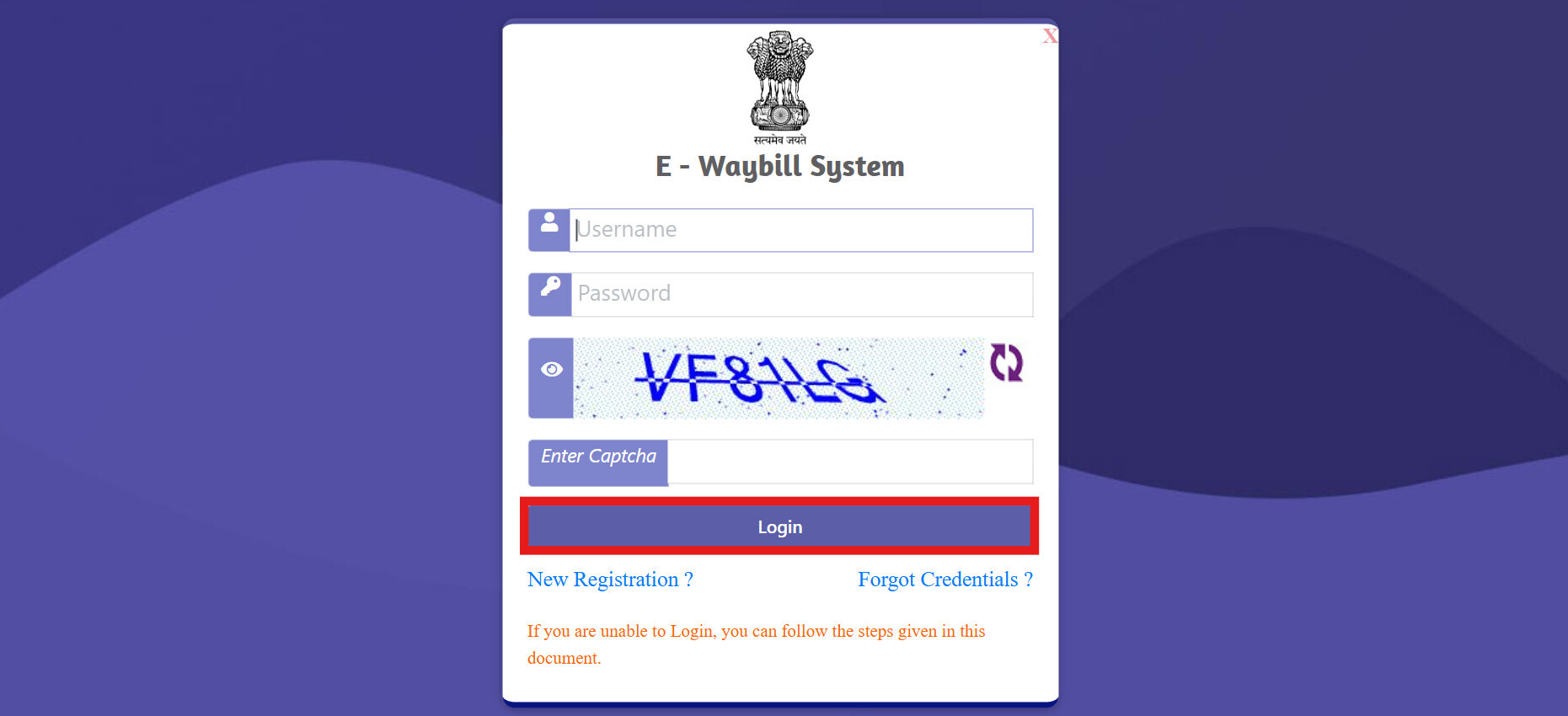
Step 3. Login to E-way bill portal using your Login credentials.
Step 4. Click on Registration and select For GSP.

Step 5. Click on Send OTP, Enter the OTP and Verify.


Step 6. Click on View and you can get the GSP Username for the Tera Software.

Step 7. If you have forgotten the GSP Password, then click on Change Password and change the password for Tera software Username.
