To fetch total sales of a paricular item, please follow the steps mentioned below:
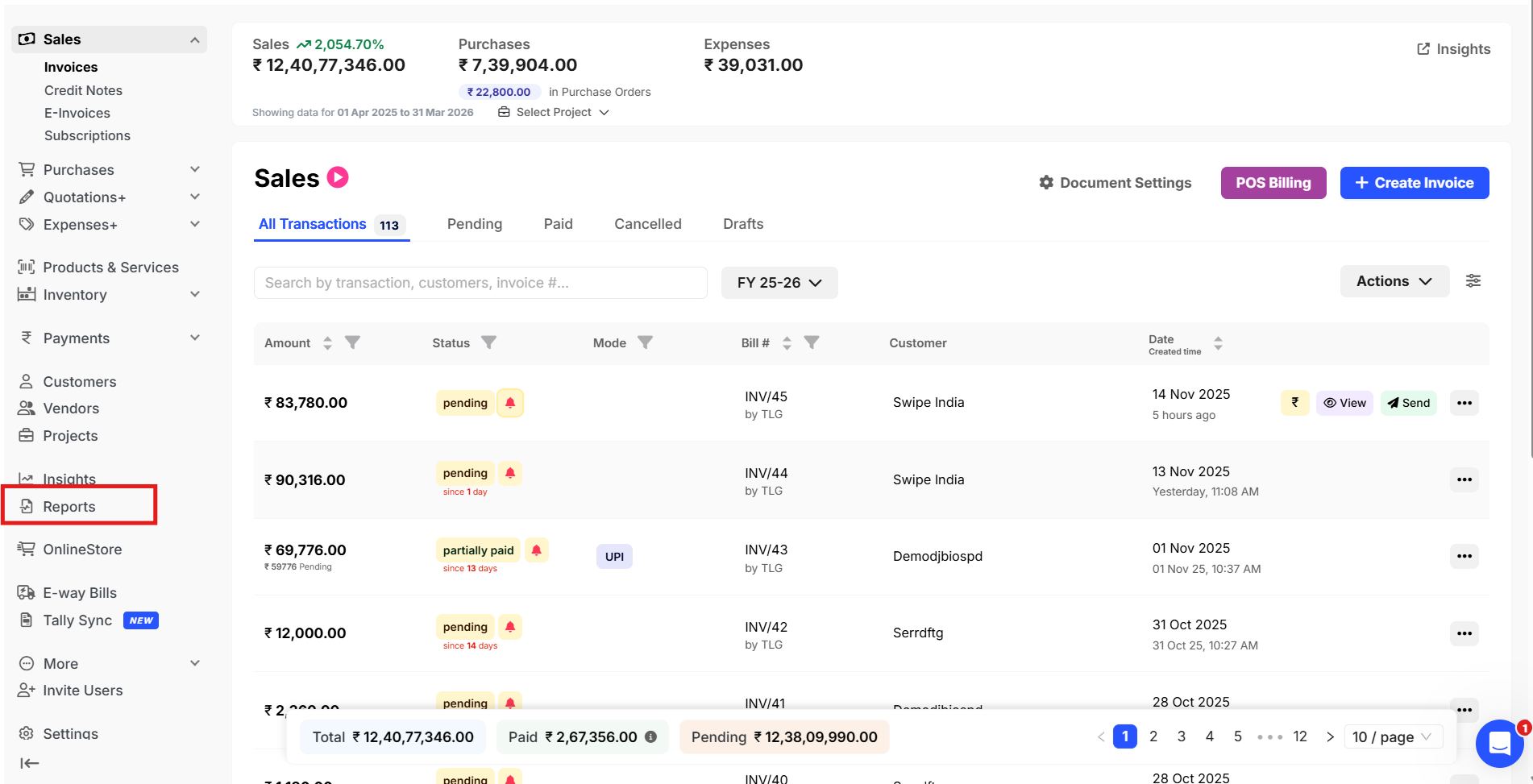
Step 1: Go to Reports.
Step 2: Click on Bill wise item reports >> Sales >> Click on Filter, select item.

Step - 3 : Search for the product.

Step - 4 : Click on Column and select the desired columns.

Step - 5 : Click on Download, to downlod the report in desired format.
