To delete a recorded payment on Mobile, please follow the steps below:
Step 1: Go to Bills.
Select the invoice you want to delete the payment for under the sales section.

Step 2: Scroll down and click on Payments.
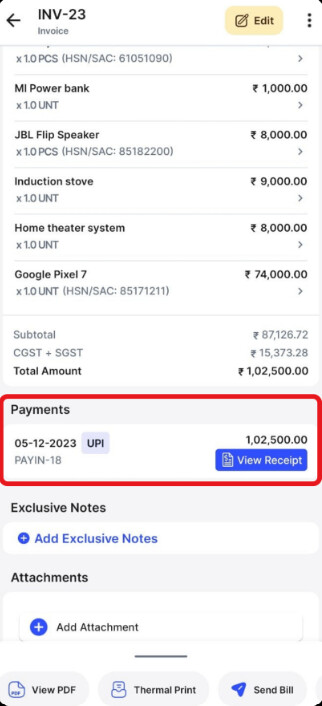
Step 3: Click on Delete the payment.

Step 4: A confirmation pop-up appears. Select “yes” to confirm the payment deletion.
