To delete a recorded payment against a purchase invoice, please follow the below-mentioned steps.
Step 1. Go to purchase from the home page.
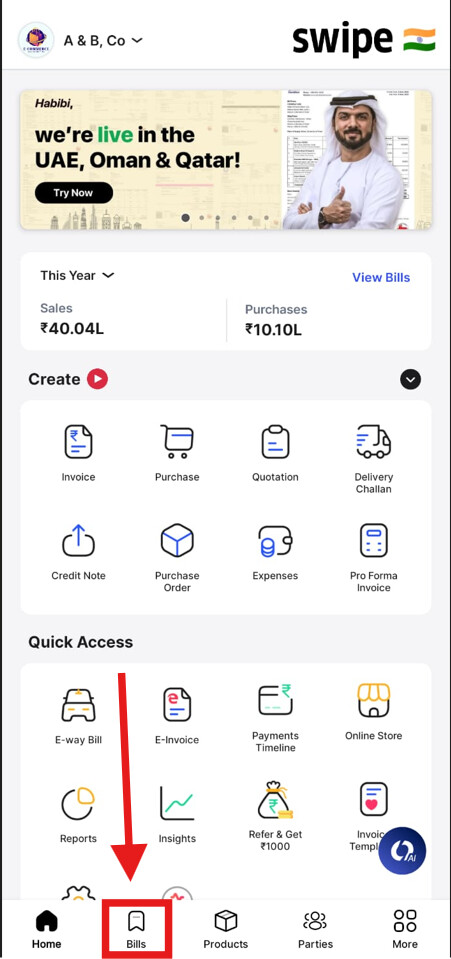
Step 2. Go to Purchase and select the invoice for which you want to delete payment.

Step 3. Click on Payment Mode.
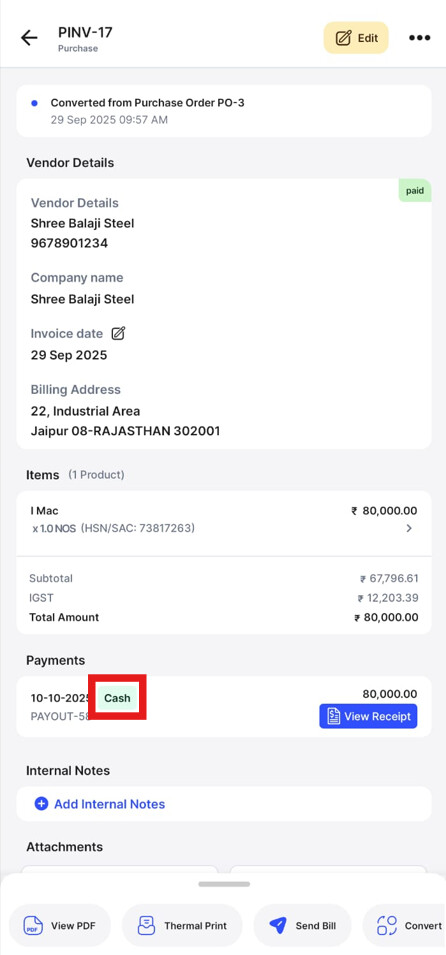
Step 4. Click on Delete to delete the recorded payment.
