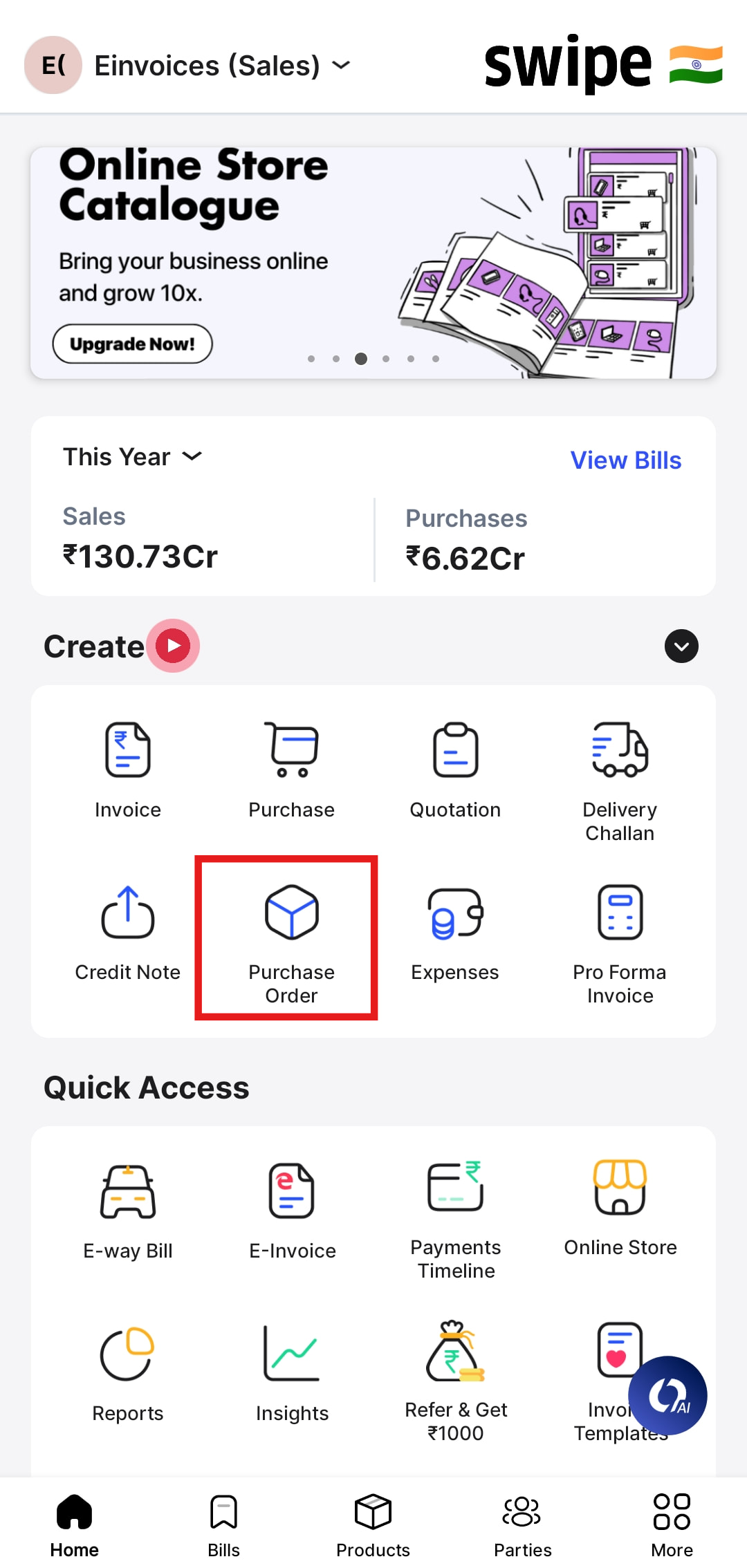
To create the Import purchase order please follow the below mentioned steps:-
Step 1: Go to Purchase Order and click on Import invoice.

Step 2: Select the country of supply and enter the currency details followed by Save.

Step 3: Enter the necessary details and click on Create.
