Please follow the steps mentioned below to create an invoice under Margin Scheme:
Step 1: Go to Document settings

Step 2: Click on Add Custom fields

Step 3: Click on New Custom field

Step 4: Add a new custom field named Margin >> Click on Save

Step 5: Add another custom field named Non Taxable Amount >> Select the field type as Formula

Step 6: Add the formula as (Rate/Item - Margin) * Qty as shown below >> Click on Save

Step 7: Enable Show in Totals option for the Non Taxable Amount field

Step 8: Click on Edit option for the Net Amount field

Step 9: Select the type as Formula >> Add the formula as Margin * Qty >> Click on Save

Step 10: Click on Edit option for the Total Amount field
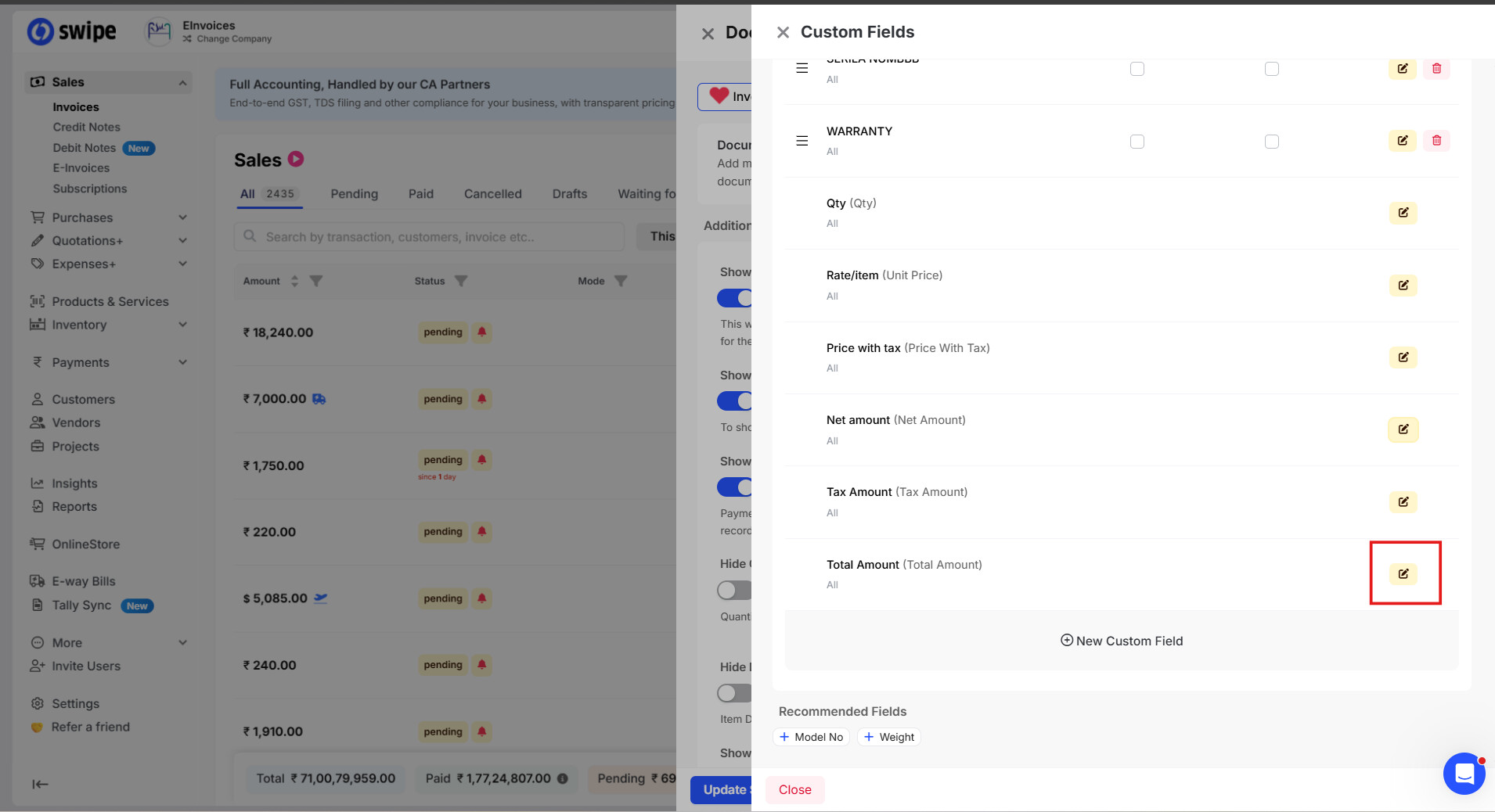
Step 11: Select the type as Formula >> Add the formula as Non Taxable Amount + Total Amount >> Click on Save

Step 12: Go to Sales dashboard >> Click on +Create Invoice

Step 13: Enter the necessary details in the invoice as shown below >> Click on Save

Now the invoice will be successfully created as per the Margin Scheme, and tax will be applied only on the margin amount as shown below:
