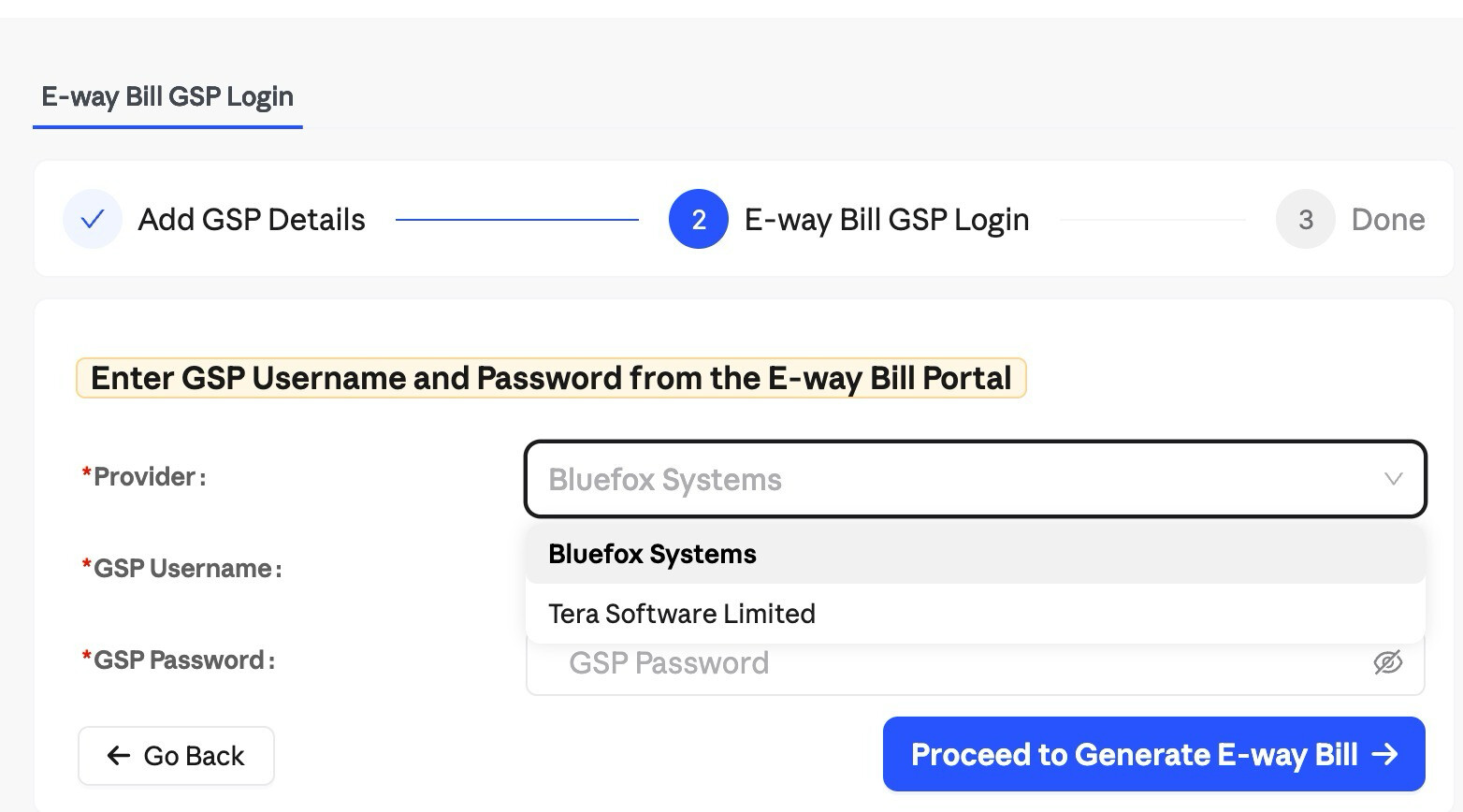
To complete the setup, you can watch the video using the link below or follow the steps mentioned below.

To enable E-Way Bill generation through Swipe, you need to create GSP credentials on the government portal. Follow the steps below.
Step 1: Verify Your Identity
-
Log in to the E-Way Bill Portal or the E-Invoice Portal
-
In the left menu, go to Registration → For GSP
-
Click Send OTP and verify using the OTP sent to your registered mobile number
Step 2: Add Swipe as Your GSP
-
Click Add / New
-
Under application type, select ERP
-
In the GSP dropdown, select Bluefox Systems
-
Enter a username of your choice
-
Re-enter the username, set a password, and click Add

Step 3: Log Back In on Swipe
Use these newly created credentials to log back in on Swipe. Ensure you select Bluefox Systems as the GSP during login.