To change payment mode/type for the documents, please follow the steps mentioned below:
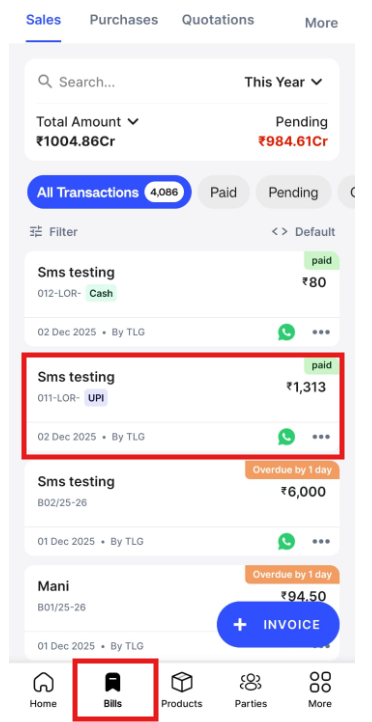
Step 1: Go to “Bills” >> Select “Invoice” and Click on Invoice.
Step 2: Scroll Down >> Click on “Payment”.

Step 3: Click on “Edit”.

Step 4: Change the “Payment mode/type“ and click on “Update“.
