To add prefixes for current financial year, please follow the steps given below:
Step 1: Go to Document Settings.

Step 2: Click on Add Prefixes/Suffixes.
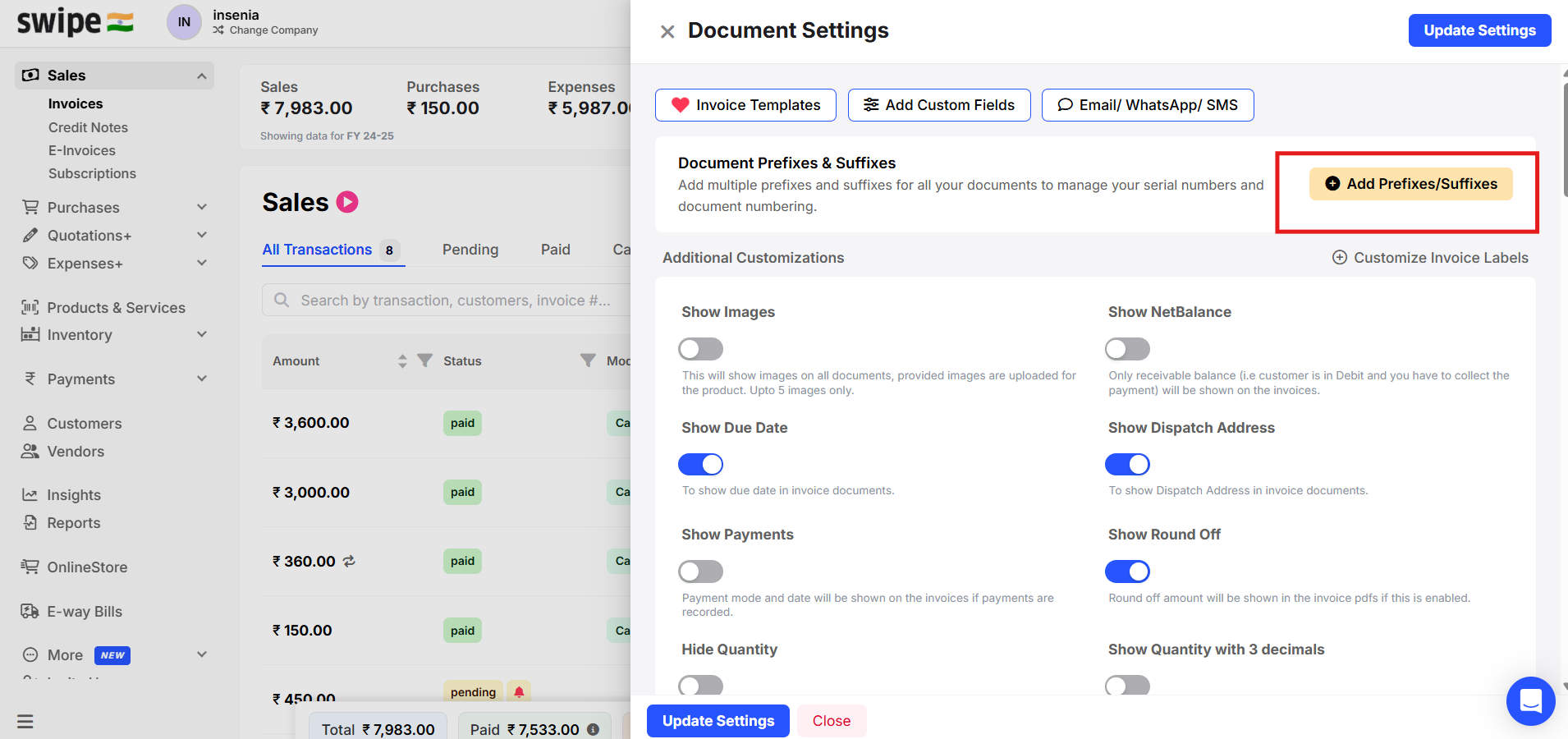
Step 3: To add new Prefix for Invoices, Select Prefixes and Click on +Add prefix.

Step 4: Enter your desired prefix. Click on Submit.
For Example - Here we entered FY26-27.

You can make the prefix as default by enabling the toggle.

Step 5: The added prefix will be reflected as below while creating an invoice

You can add prefix for other documents as well following the same procedure.