Please follow the steps mentioned below to add a video to a product and show it in the online store:
Step 1: Go yo Products and Service section >> Click on edit for the product for which you are looking to add the video

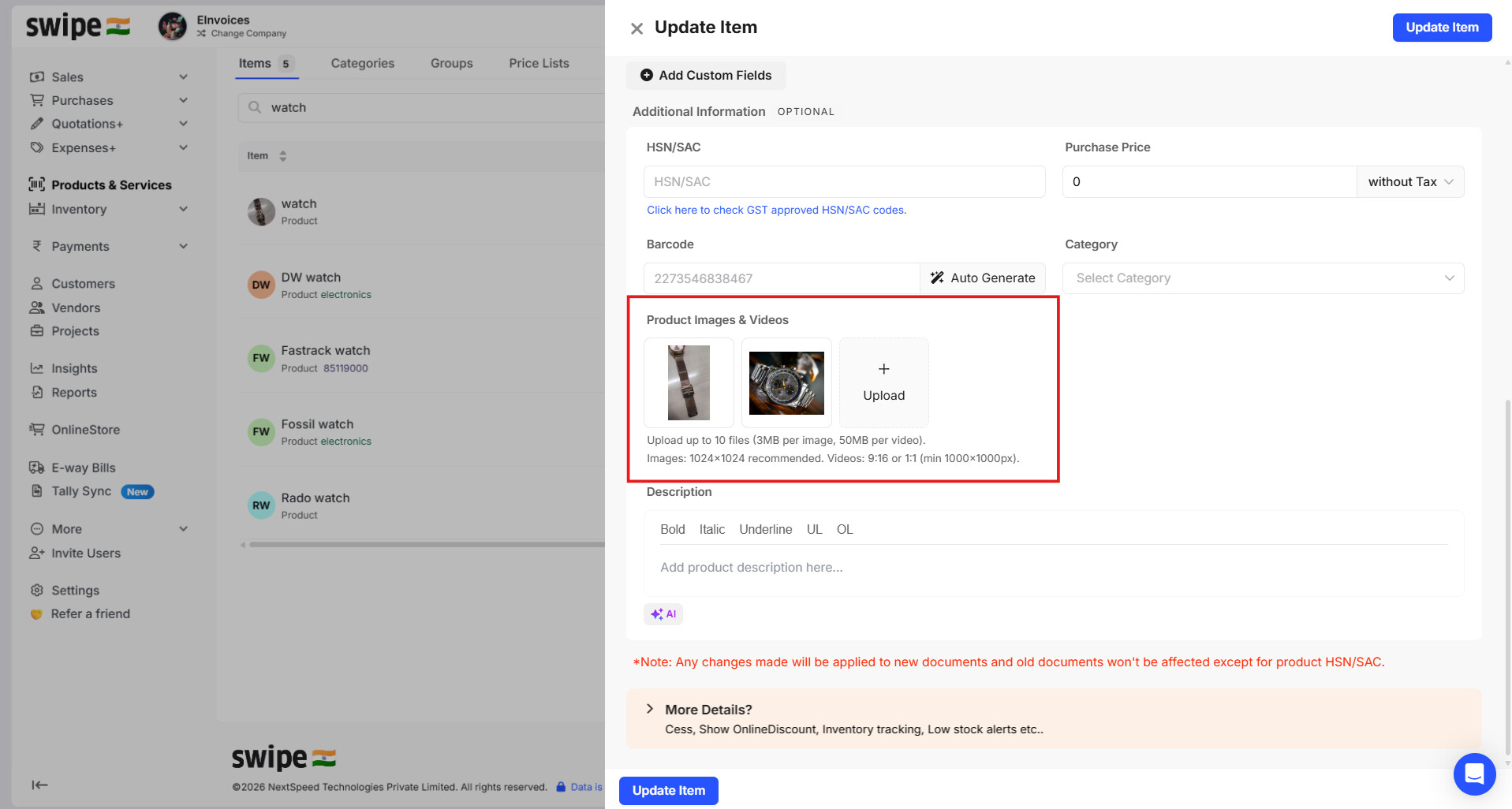
Step 2: Upload the desired video
Step 3: Click on More details

Step 4: Enabel Show in online store >> Click on Update Item

The added video will now be displayed in the online store as shown below.

Please note: This is available only in the web/desktop version.