To view/download the payment acknowledgement/receipt in mobile, please follow below mentioned steps:
Step 1: Click on Bills, and select the invoices for which you want to see the receipts.
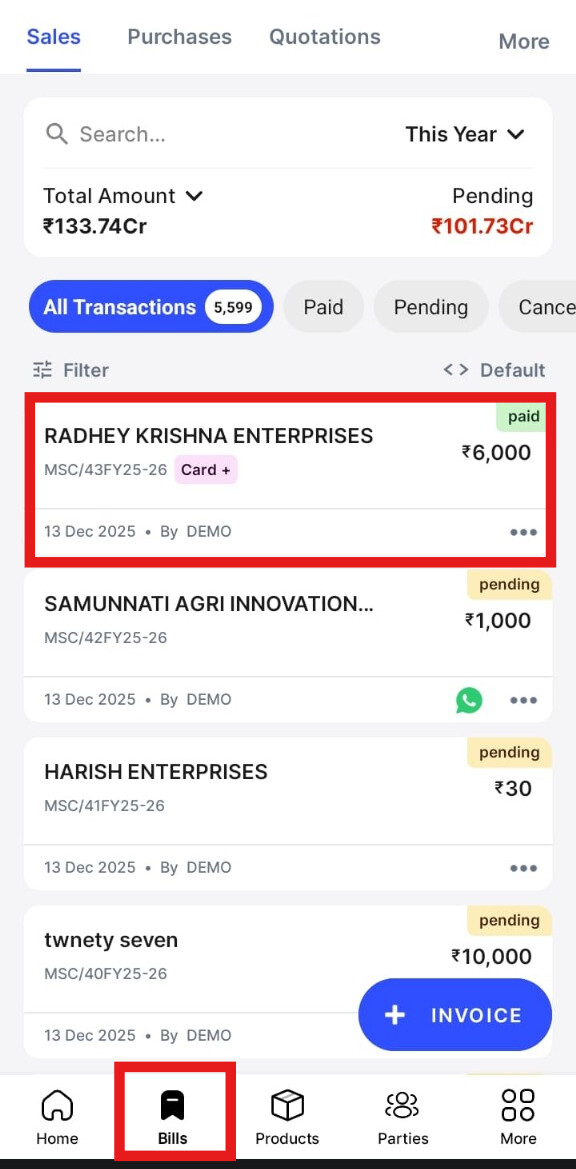
Step 2: Click on Payment History.

Step 3: Click on PDF.
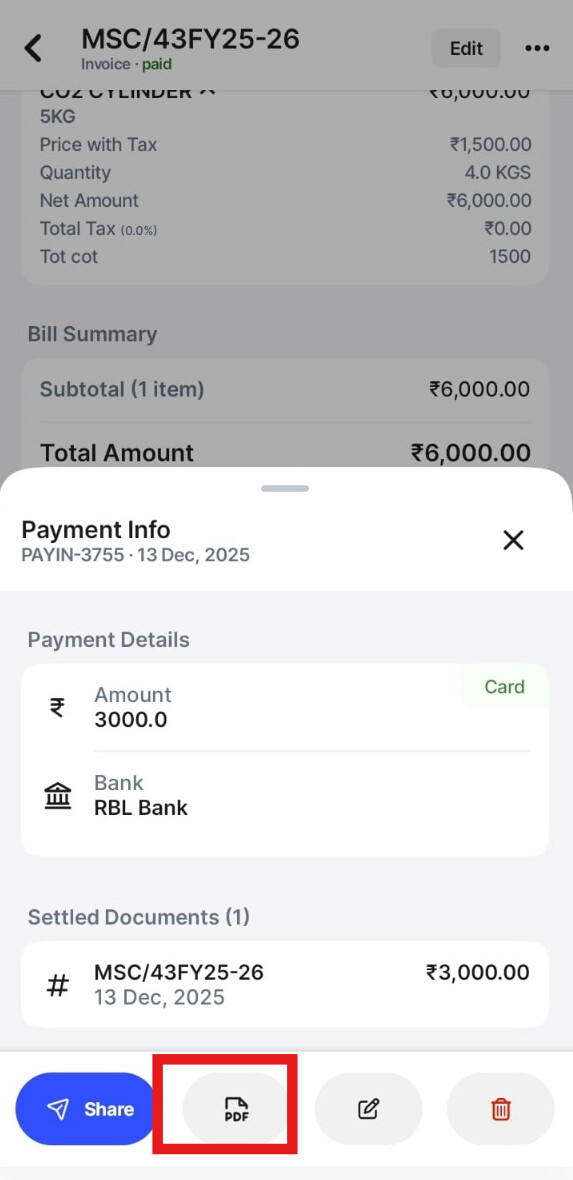
Step 4: This is how the payment acknowledgement /receipt will look like:
