Please follow the steps mentioned below to view/ download stock value report:
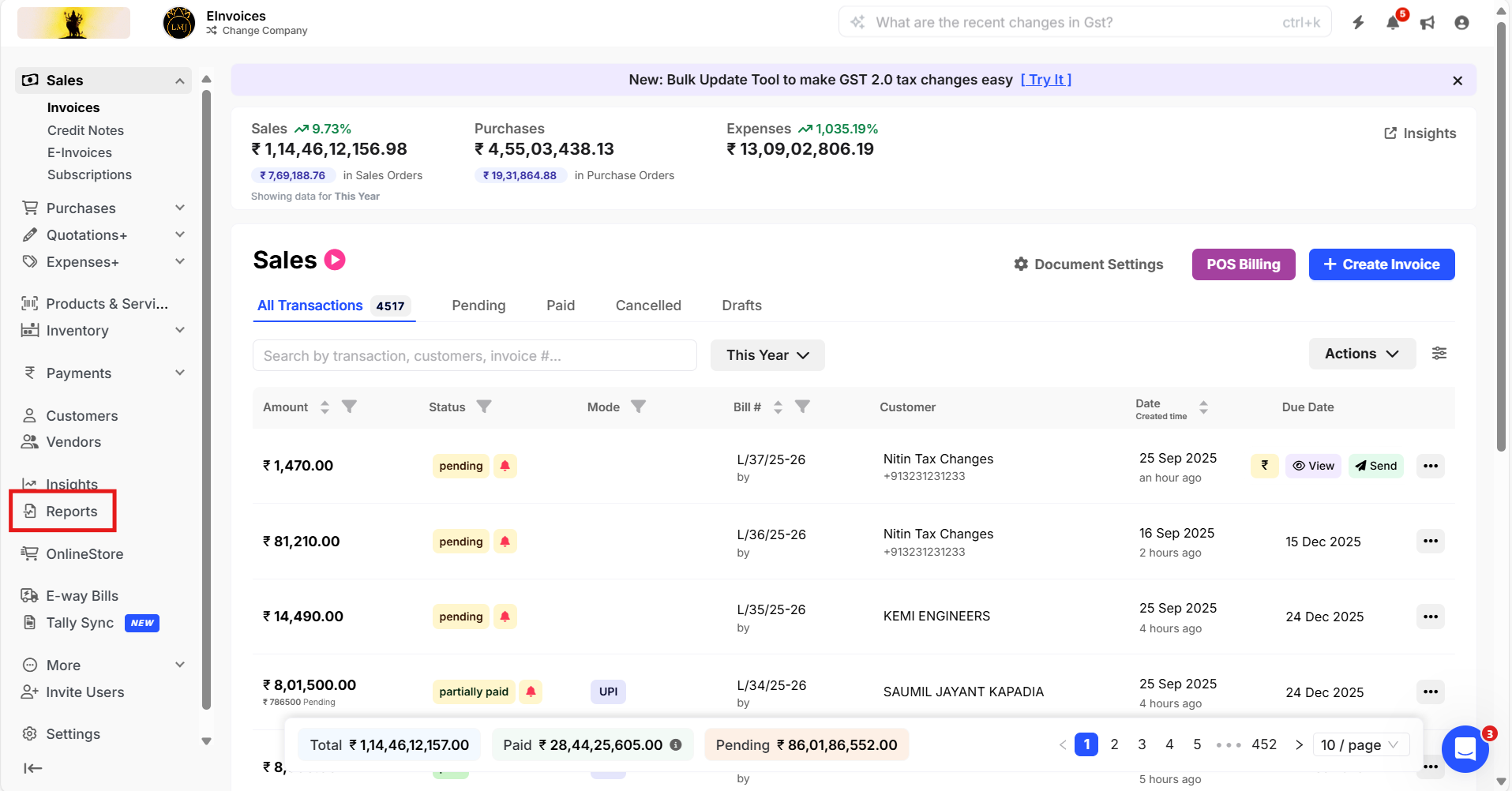
Step 1: Go to Reports
Step 2 Item reports >> Stock Value >> Select desired date >> Click on Columns >> Select desired coulumn.

Step 3: Click on Settings >> Select the desired stock value calculation settings >> Click on Download icon to download the report in the desired format.

Note:
- FIFO (First In, First Out) assumes the earliest purchased items are sold first. The remaining stock is valued at the latest purchase price.
- The Weighted Average Method values inventory by taking the average cost of all units available after each purchase.
- The Current Sale Price Method values closing stock at its current selling price entered in the products and services section.
- The Current Purchase Price Method values closing inventory at the current purchase price of the same products.