GSTR-7 is a monthly return filed by individuals who deduct TDS under GST . Every GST registered individual who deducts TDS under GST must file in Form GSTR-7 by the 10th of next month.
To view/download the GSTR7 reports, please follow the steps mentioned below:
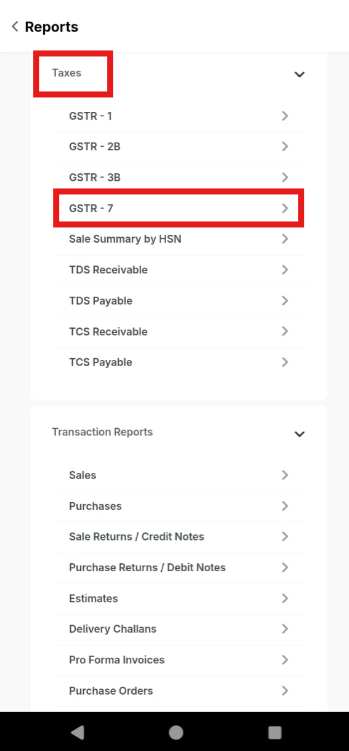
Step 1: Go to Reports.

Step 2: Click on GSTR-7 report under Taxes.
Step 3: Apply the Date Range >> Click on Download icon.
