To take a print of any document from Swipe, please follow the below-mentioned steps
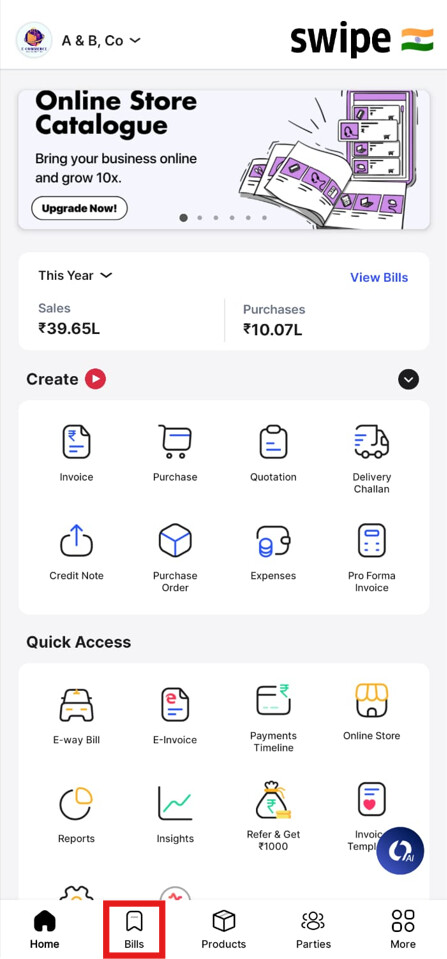
Step 1. Click on Bills from the home page.
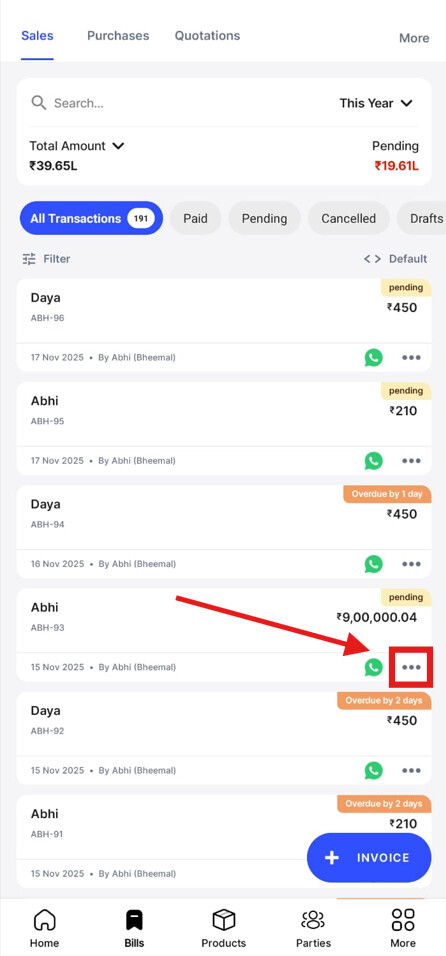
Step 2. Click on the More (3 Dots) of the document for which you want to take a printout.
Step 3. Click on View PDF.

Step 4. Click on the Print icon to take a print or save it as a PDF.
