To settle sales invoice with purchase invoice created for the same party, first you need to link the customer and vendor.
Kindly refer to the steps mentioned in the article link shared below to link customer with the vendor:
Once the customer and vendor is linked, please follow the steps mentioned below to settle the sales invoice with the purchase invoice:
Step 1. Select Sales and click on the Record Payment option for the invoice that you want to settle.

Step 2. Select the Settle From Advance option and select the Purchase invoice against which you want to settle the invoice, and Click on Update Payment to settle the Invoice.
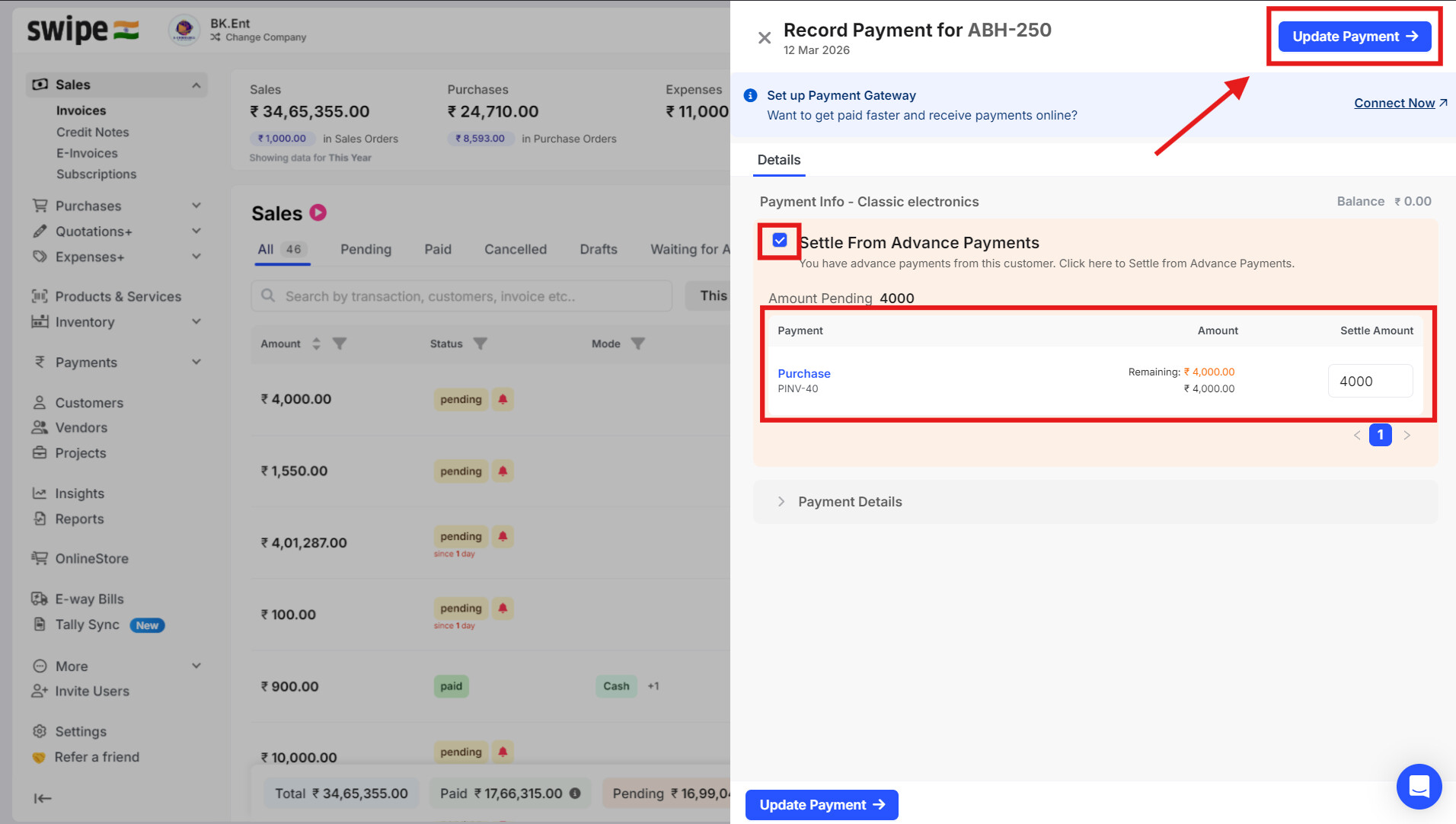
Now you can see that the invoice is settled with the purchase invoice for the same party.
