To round off item prices on the web for an online store, please follow the steps mentioned below:
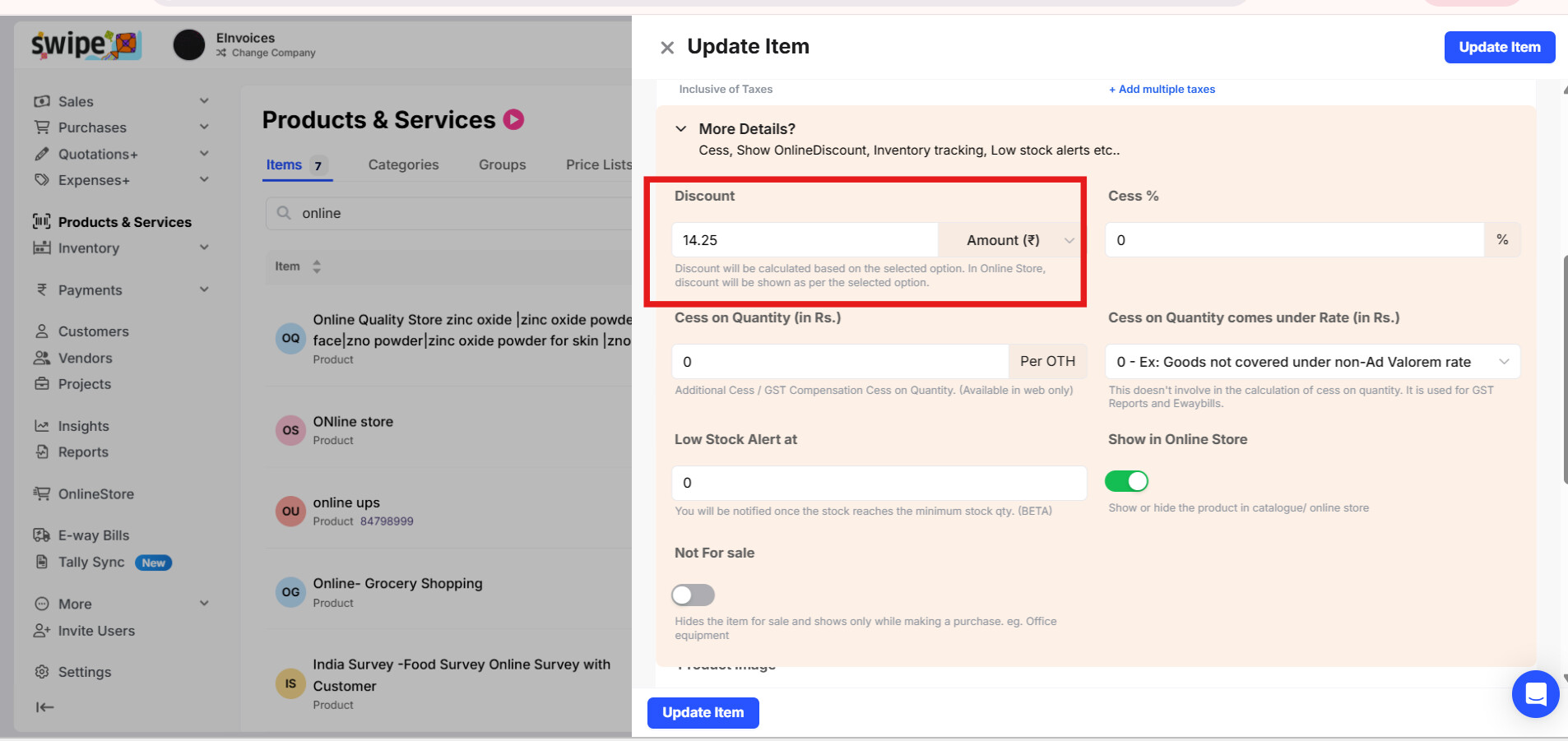
Step 1: Go to Product and Services section and click on any item you would like to give discount followed by Edit option.

Step 2: Click on More Details.

Step 3: Add the product Discount.
Step 4: Now, go to Online Store and select the dropdown option and click on Online Store Settings.

Step 5: Enable the toggle for Round off Item Prices and click on Update Store Settings.

Step 6: This is how it will show in Online Store.
For Display:

For Calculations:

Note: This will display only the rounded prices on the product but calculations will be done using the actual prices.