To edit the custom fields, please follow the below mentioned steps.
Step 1: Click on Sales and go to Document settings.

Step 2: Click on Custom Fields.

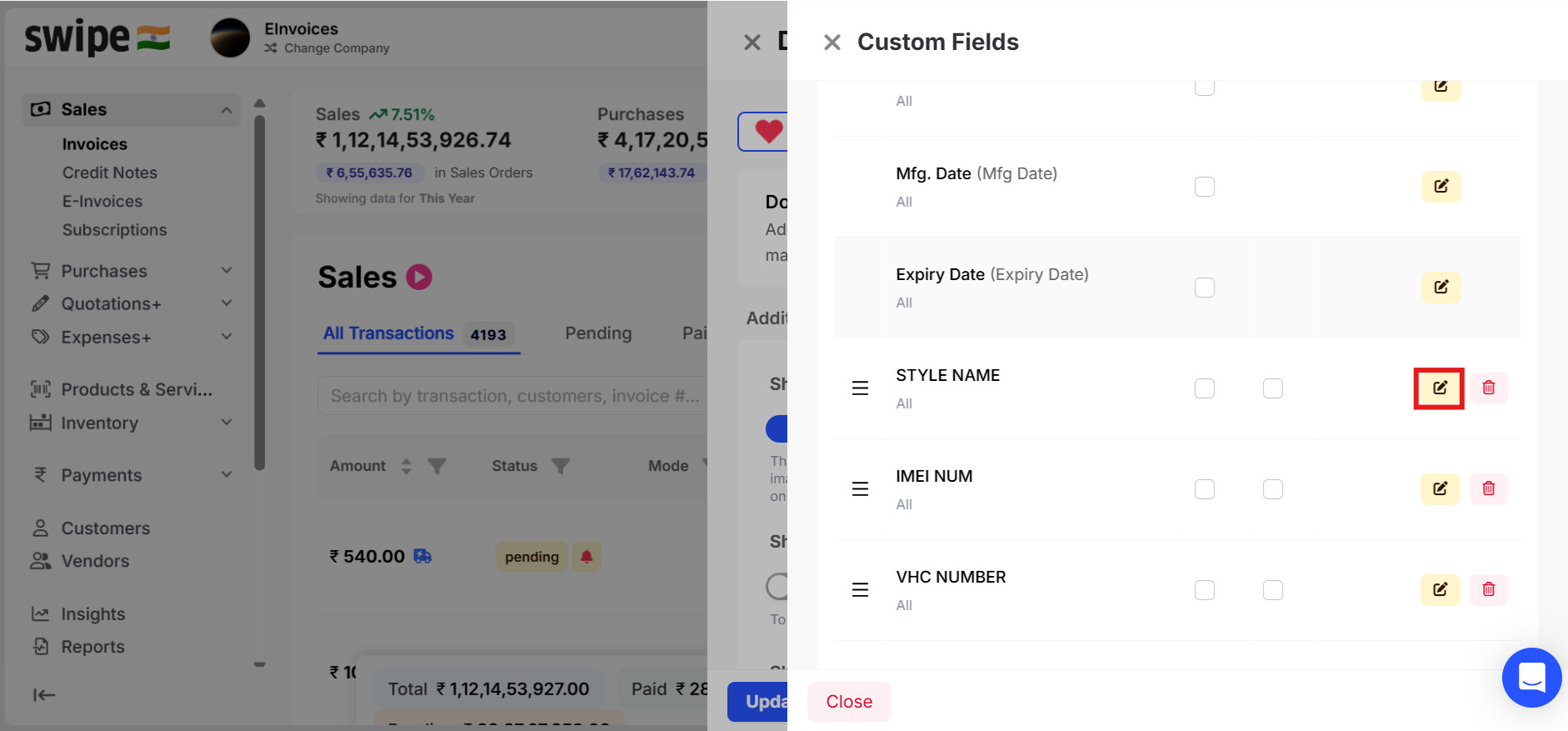
Step 3: Click on the Edit icon for the custom field that you want to edit.
Step 4: After editing the click on Save.
