To edit HSN/ SAC code of the products on Android, Please follow the steps mentioned below:
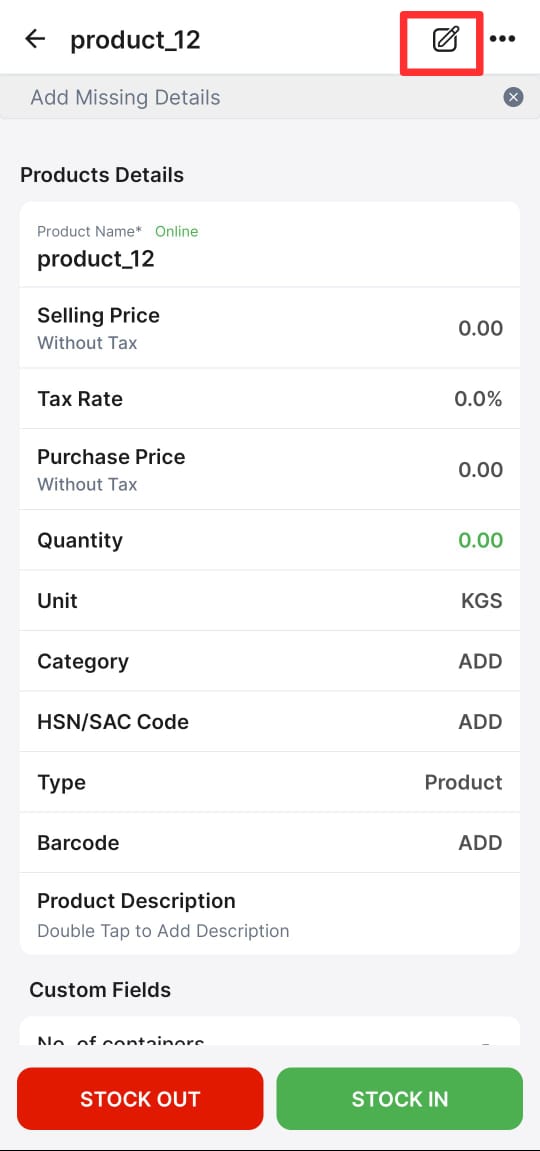
Step 1: Kindly go to the Products >> Tap on the product name
Step 2: Click on edit option
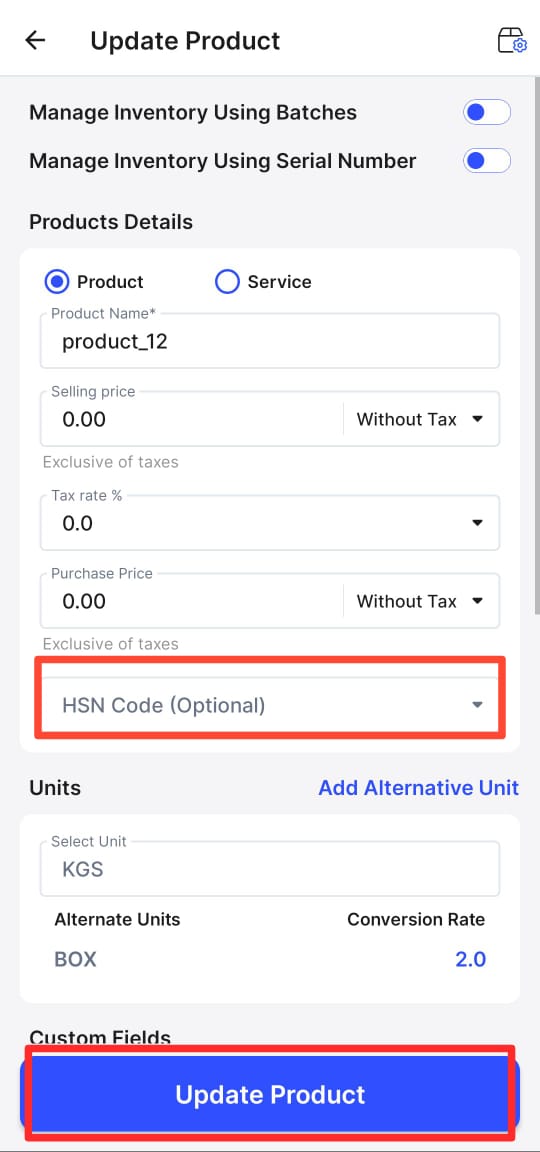
Step 3: Change the HSN code >> Click on Update Product.