To download sales transaction report with paid amount, please follow the below mentioned steps:
Step 1: Go to “Reports”.
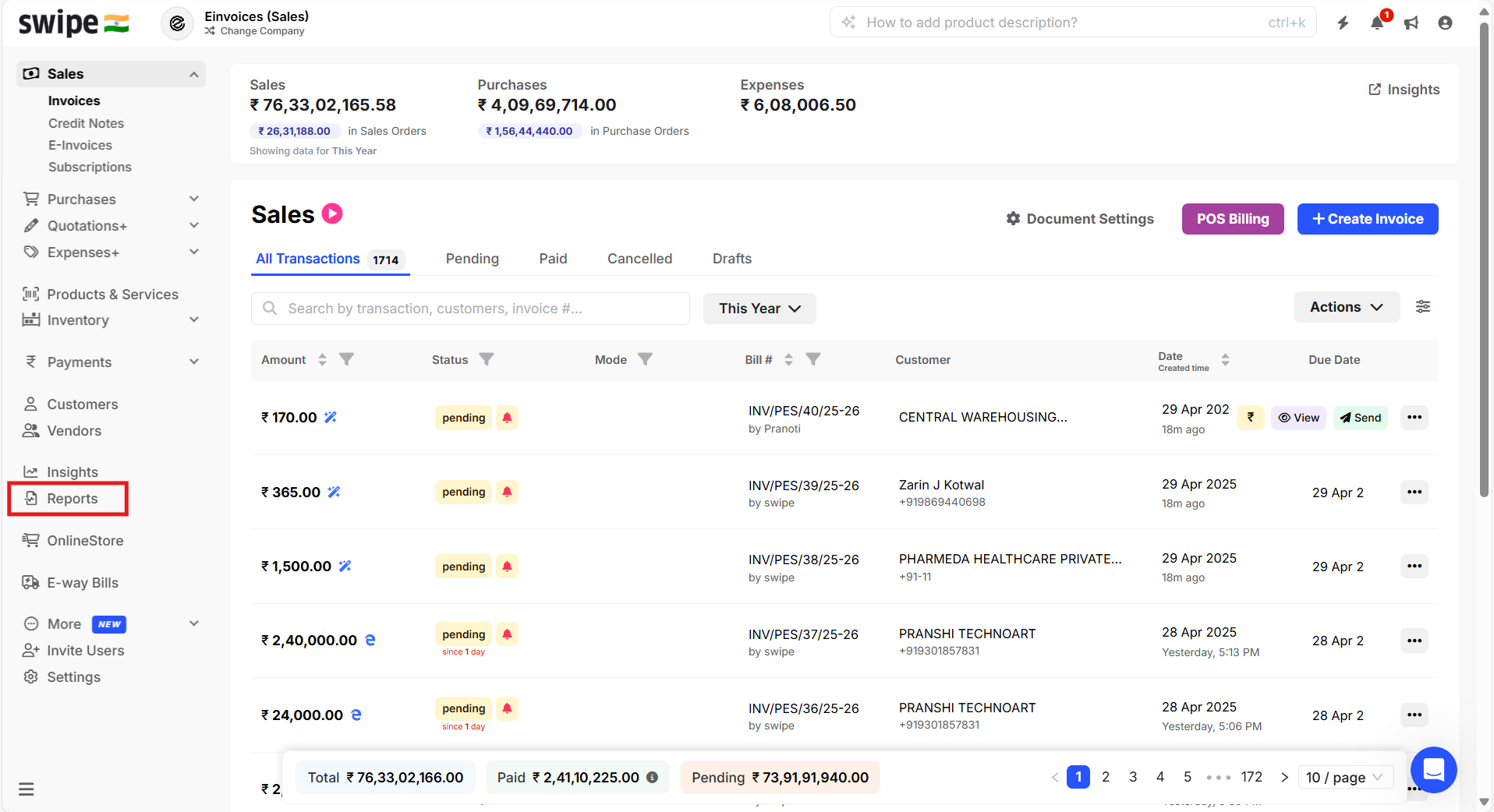
Step 2: Click on “Sales” under “Transaction reports”.
Now, Select the date range >> Click on Columns >> Select the required fields (Including Amount paid)

Step 3: Click on Download >> Select Excel/PDF icon to download the report in the desired format
