To do Bulk upload stock out Items, please follow the below mentioned steps:
Step 1: Go to Inventory << click on Actions and Click on Bulk Upload Stock Out.

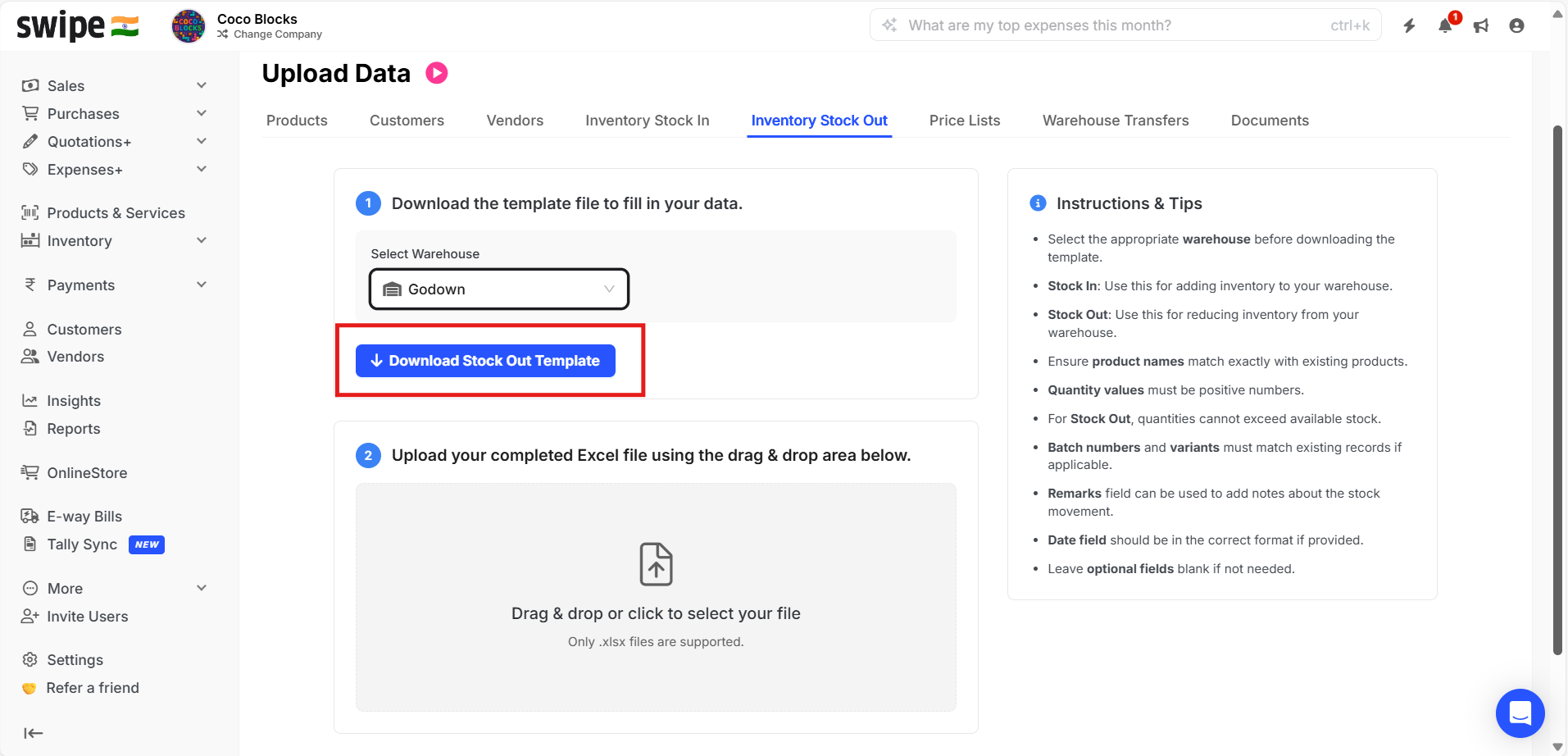
Step 2: Here you can select the desired warehouse and click on Download Stock in Template.

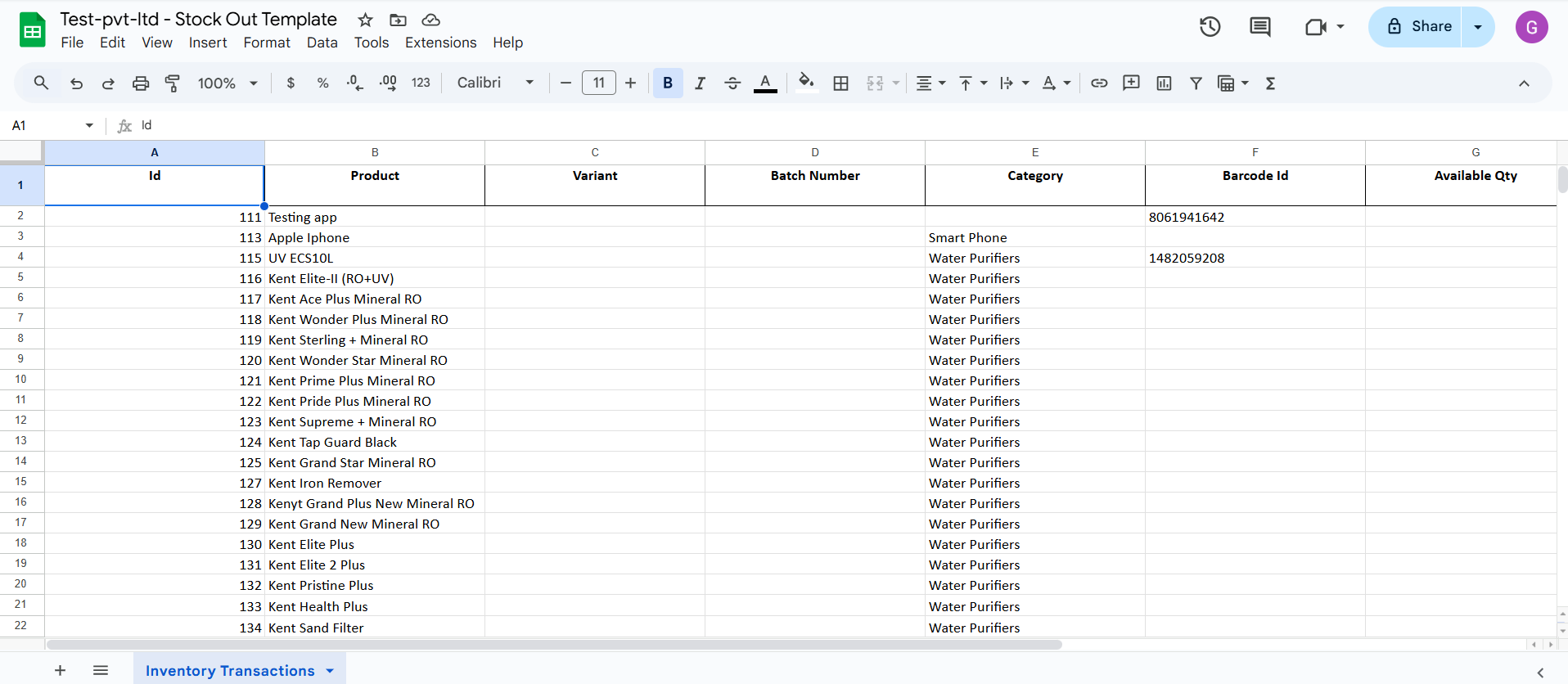
Step 3: Now, make changes & save the file.
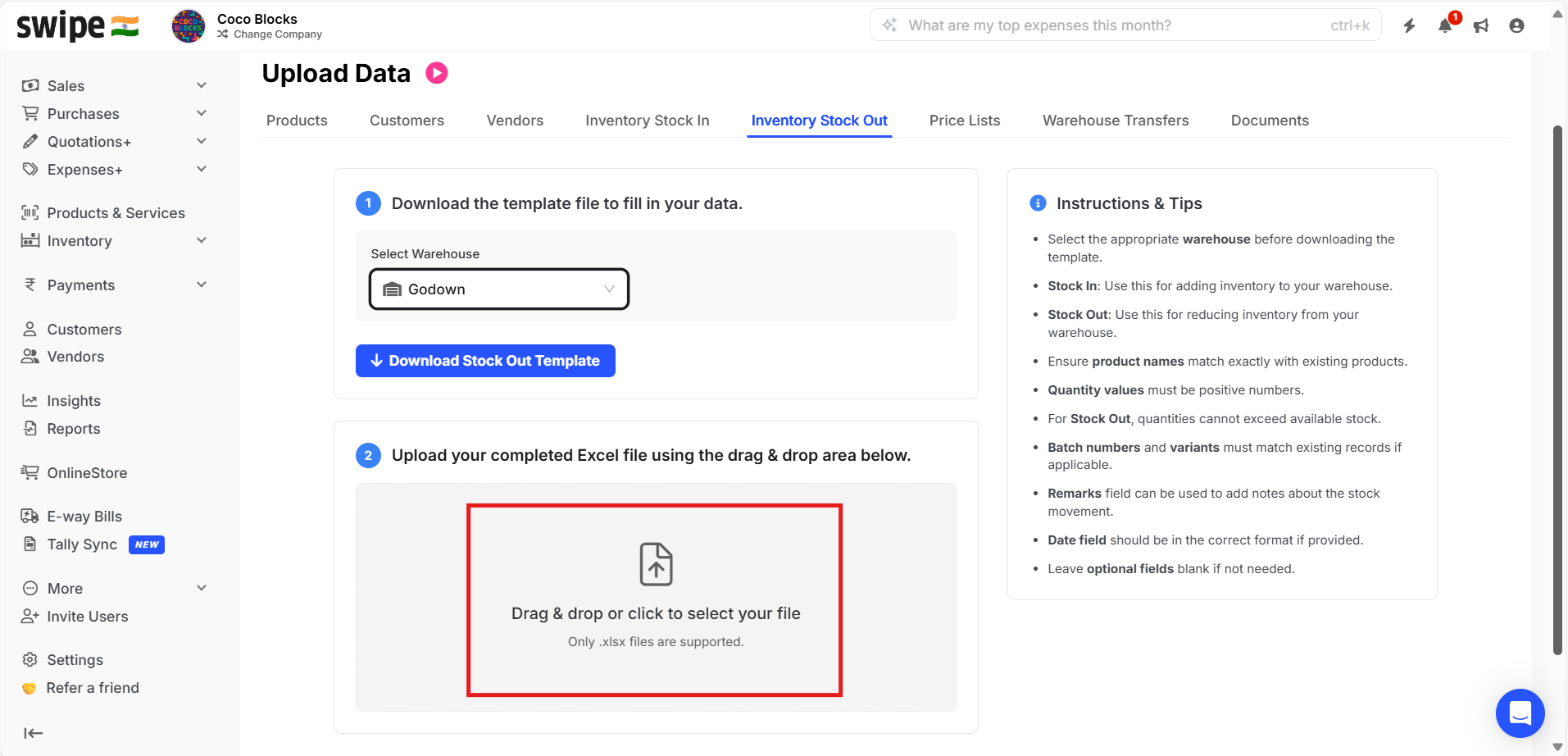
Step 4: Now Upload the file here as shown in the image.