To delete the existing prefix on mobile, please follow below mentioned steps:
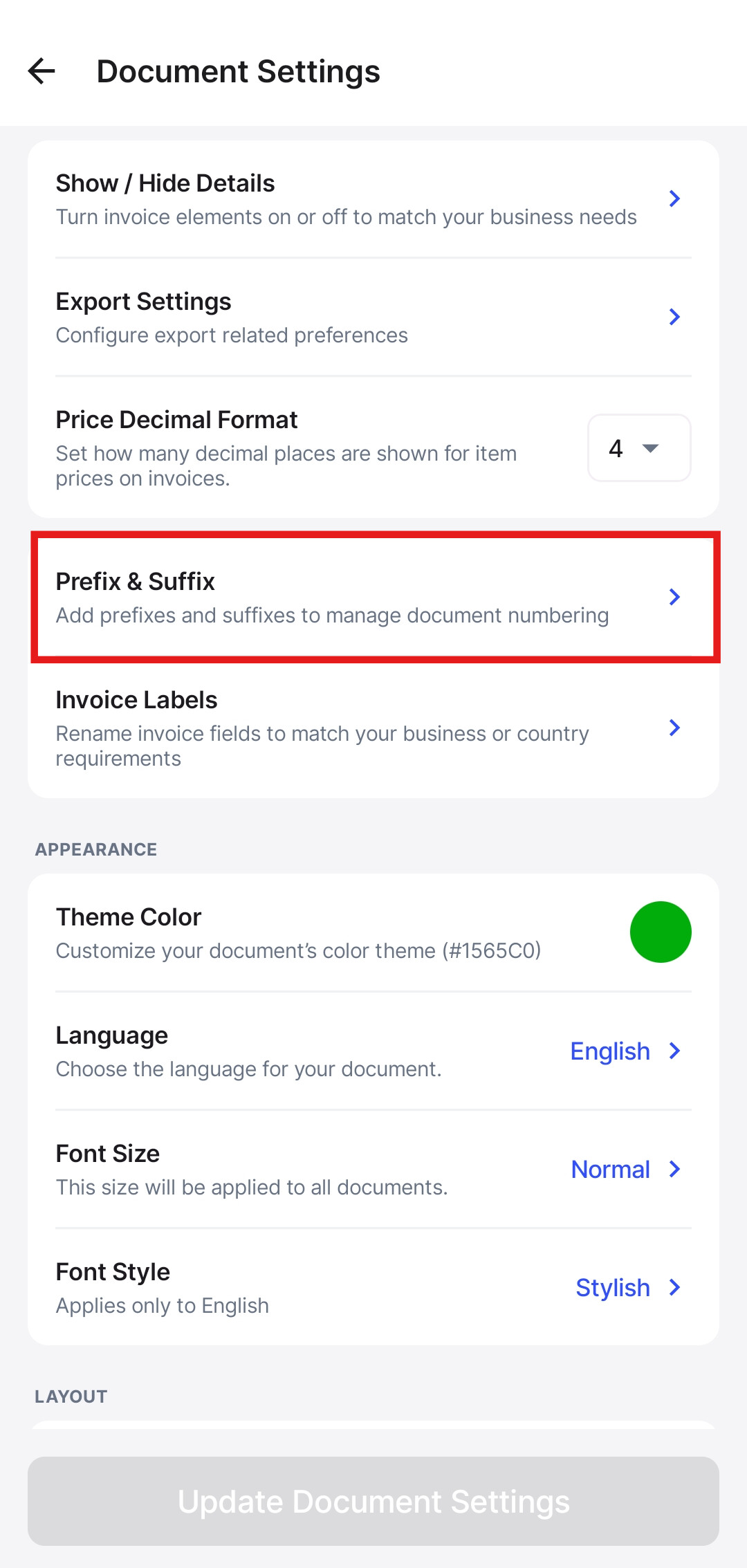
Step 1: Click on More and go to Documnet Settings.

Step 2: Click on the Prefix & Suffix option, select the prefix which you want to delete.

Step 3: Click on three dots and click on Delete.
