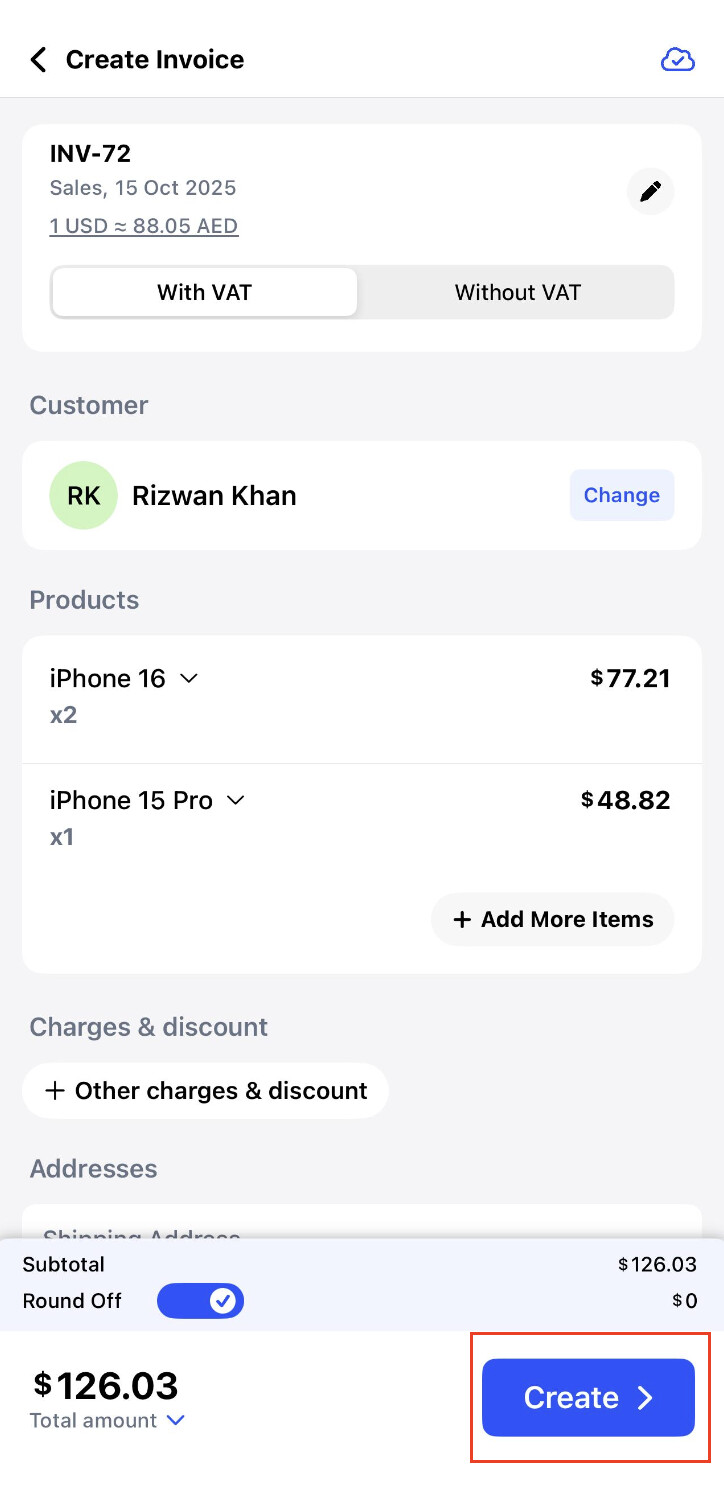
To create a multi currency invoice on IOS please check the below mentioned steps.
Step 1: Go to Home >> Click on Invoice to create the invoice.

Step 2: Click on the invoice number.
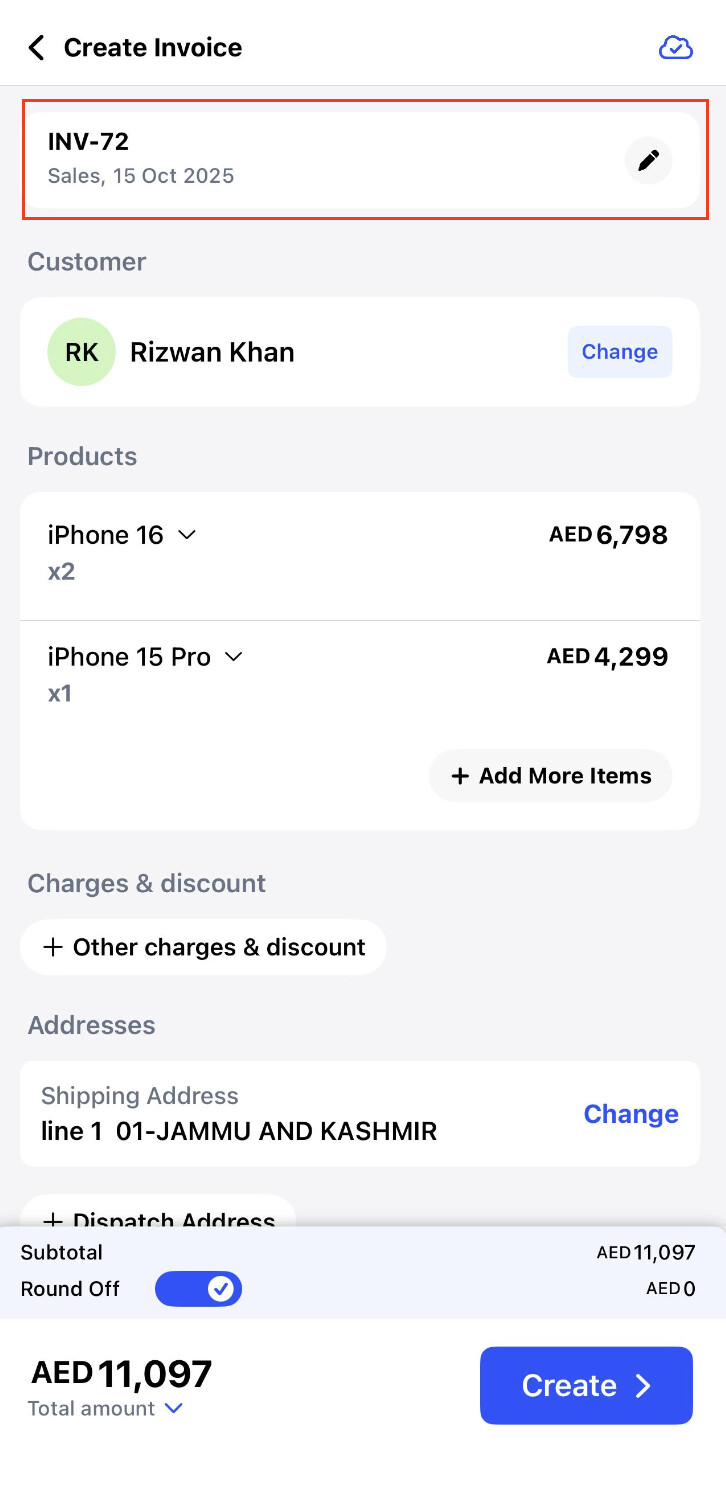
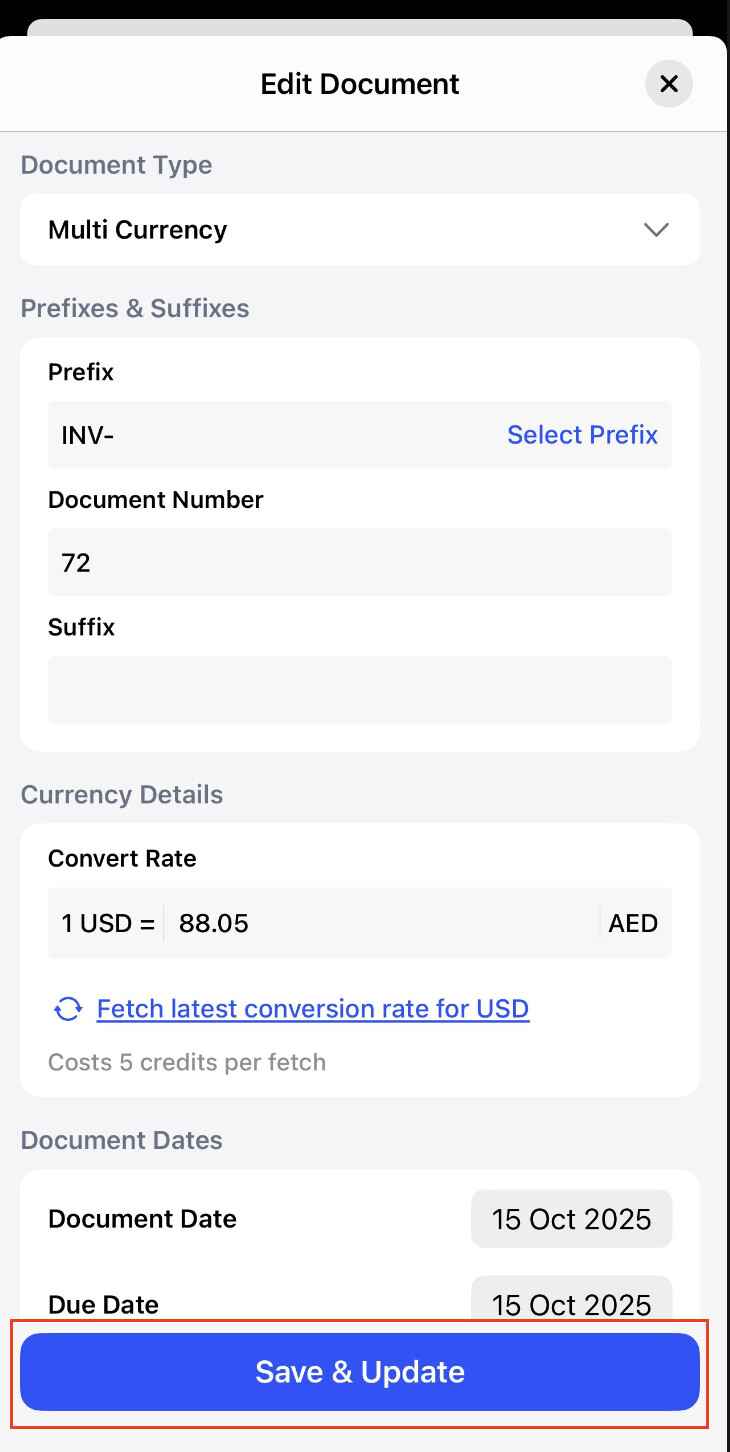
Step 3: Click on document type and select Multi currency.

Step 4: Select the currency of supply and Convert rate.

Step 5: Check the details and click on Save & Update.
Step 6: Select the customer and Products >> Create the invoice.