To create Debit note/Purchase Return on mobile, please follow below mentioned steps:
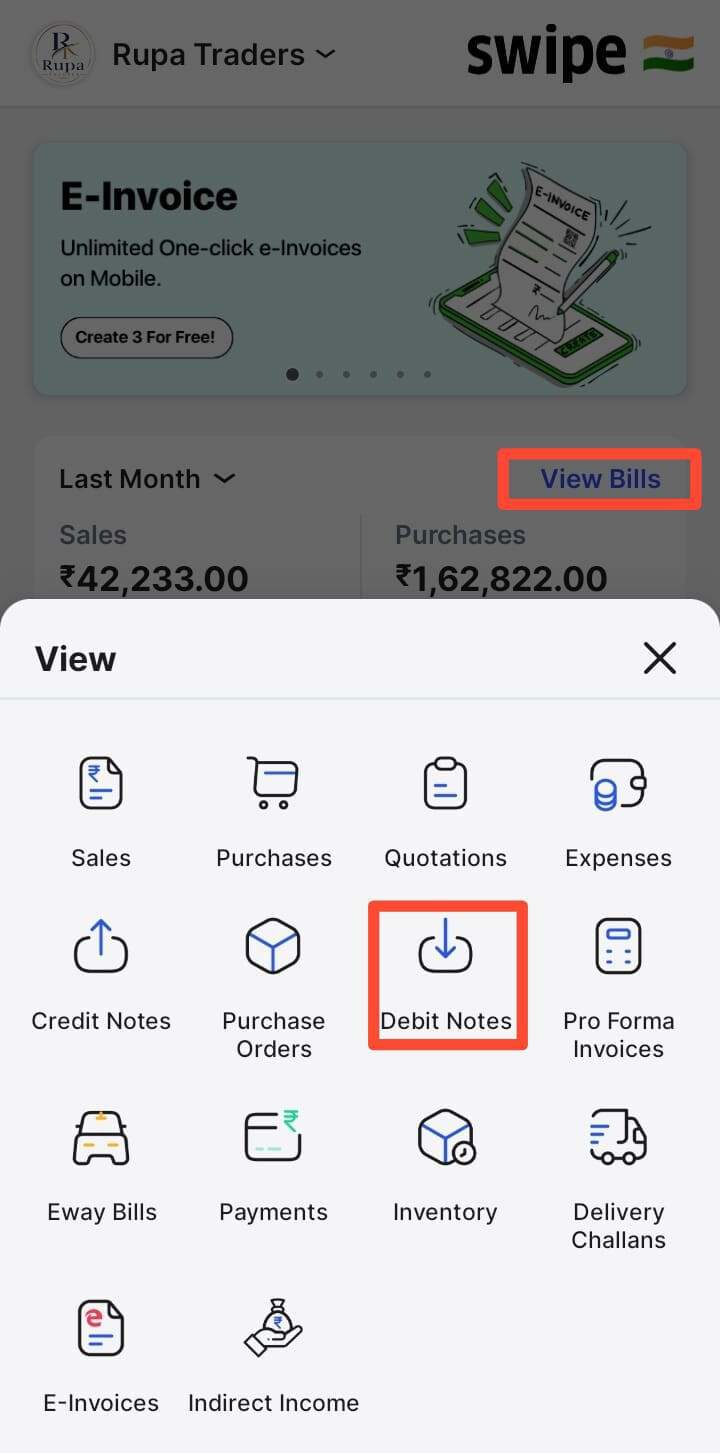
Step 1: Open the Swipe App → Tap View Bills → Select Debit Notes → Tap + Purchase Return / Debit Note to create a new debit note.

Step 2: Select the vendor and products and Click on Create.

