To create sales debit note on web, please follow the below mentioned steps:
Step 1: Go to Debit Note under sales section and click on +Create Sales Debit Note.

Step 2: Add the Customer details.
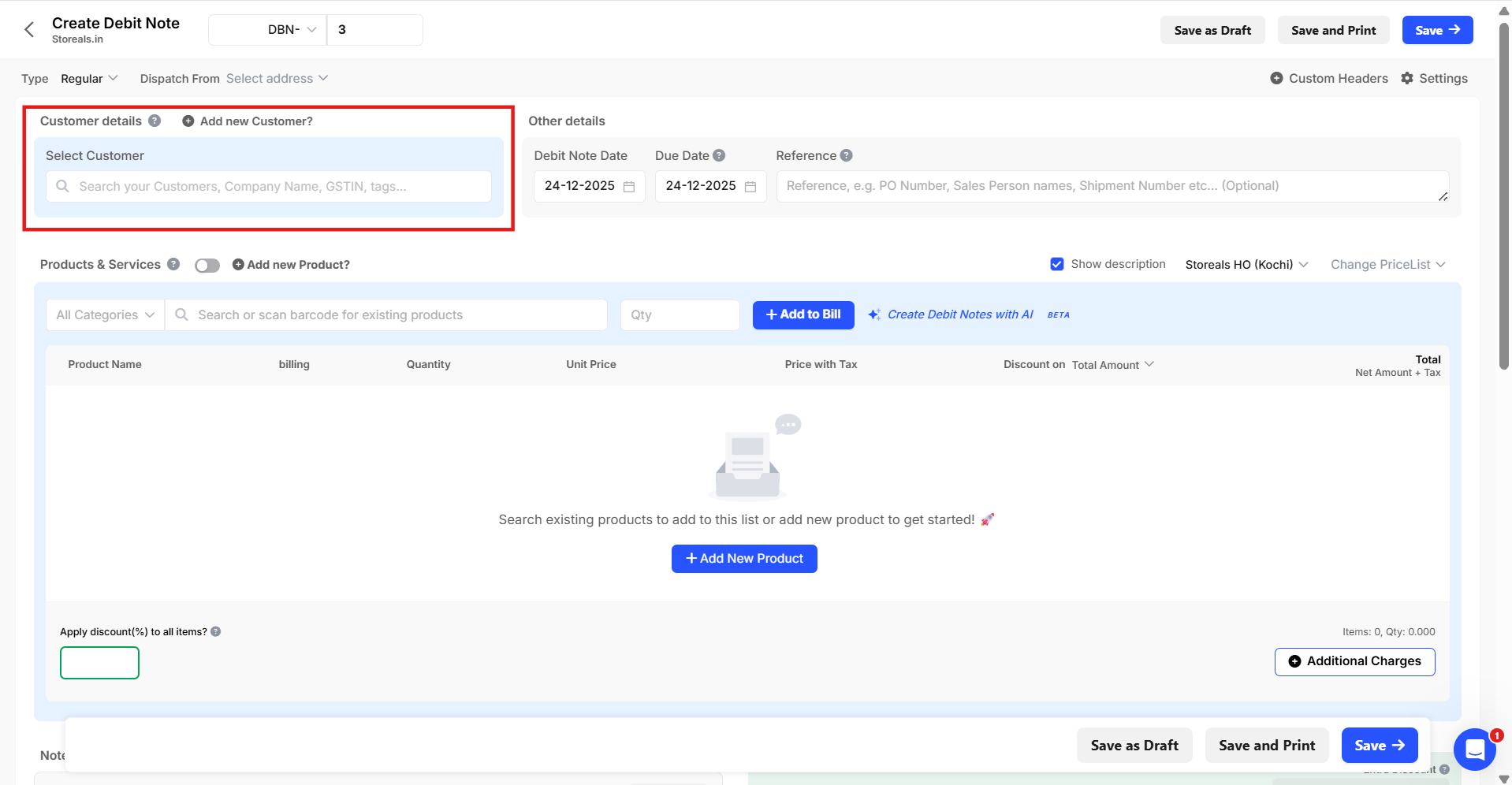
Step 3: Enable the Toggle button near to product & services to create sales debit note without items (OR) search your existing products using the search box below and add it to the document.

Step 4: Enter the necessary details and click on “Save”

Step 5: Click on “View” to preview the created document and click on “Download” to download the document.

Note: This feature is currently available only in Web version.
Please click here to reach out to support, if you would like to know more about sales debit note feature in Swipe.