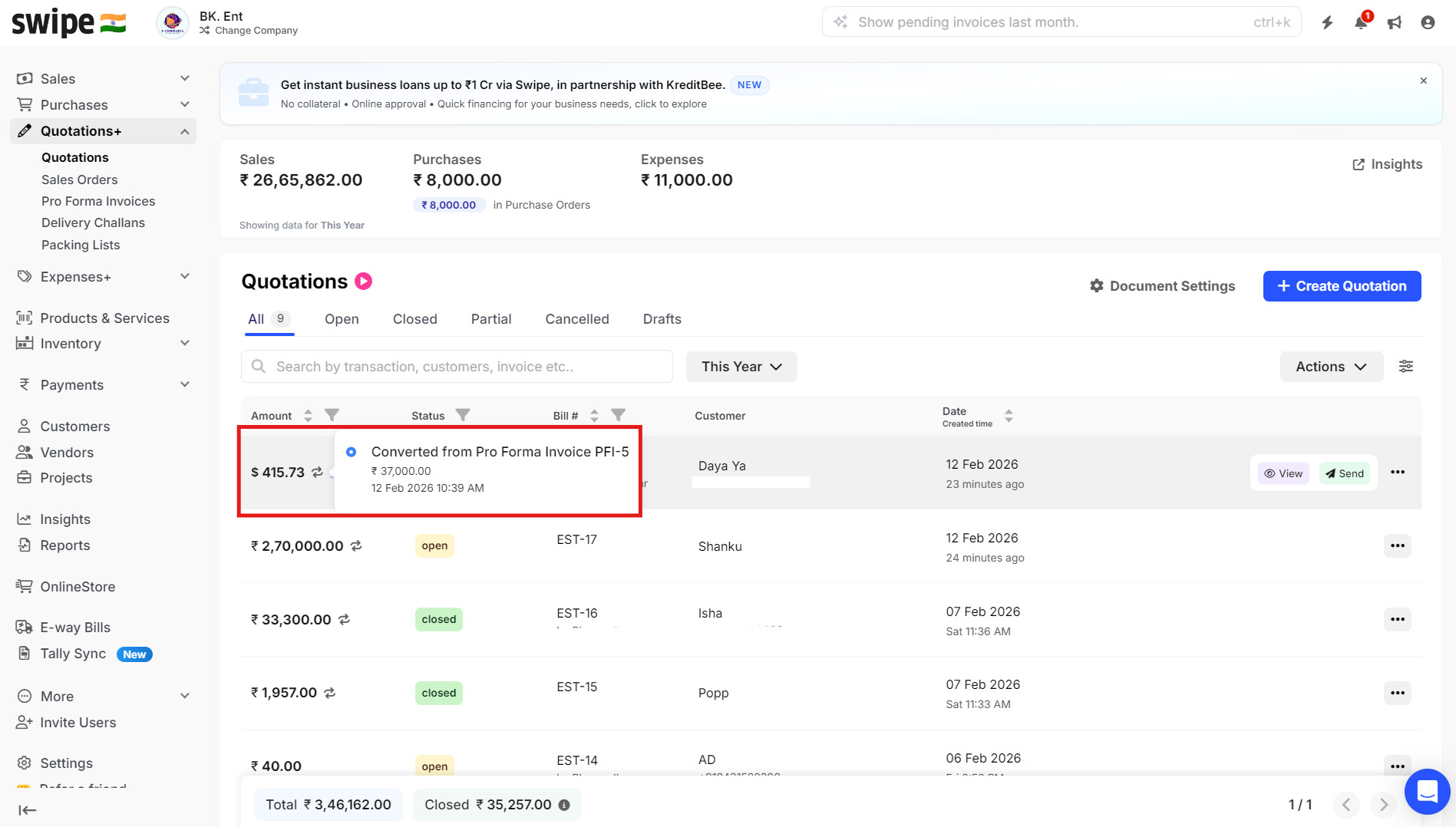
To convert pro forma invoice to quotation, please follow the below mentioned steps.
Step 1. Go to Quotation from the home page and select Pro Forma Invoice. Click on the 3 dots for the invoice that you want to convert, and select Quotation.

Step 2. Check the details and click on Save to create the quotation.

Step 3. Now you can see the proforma invoice is now converted to Quotation.