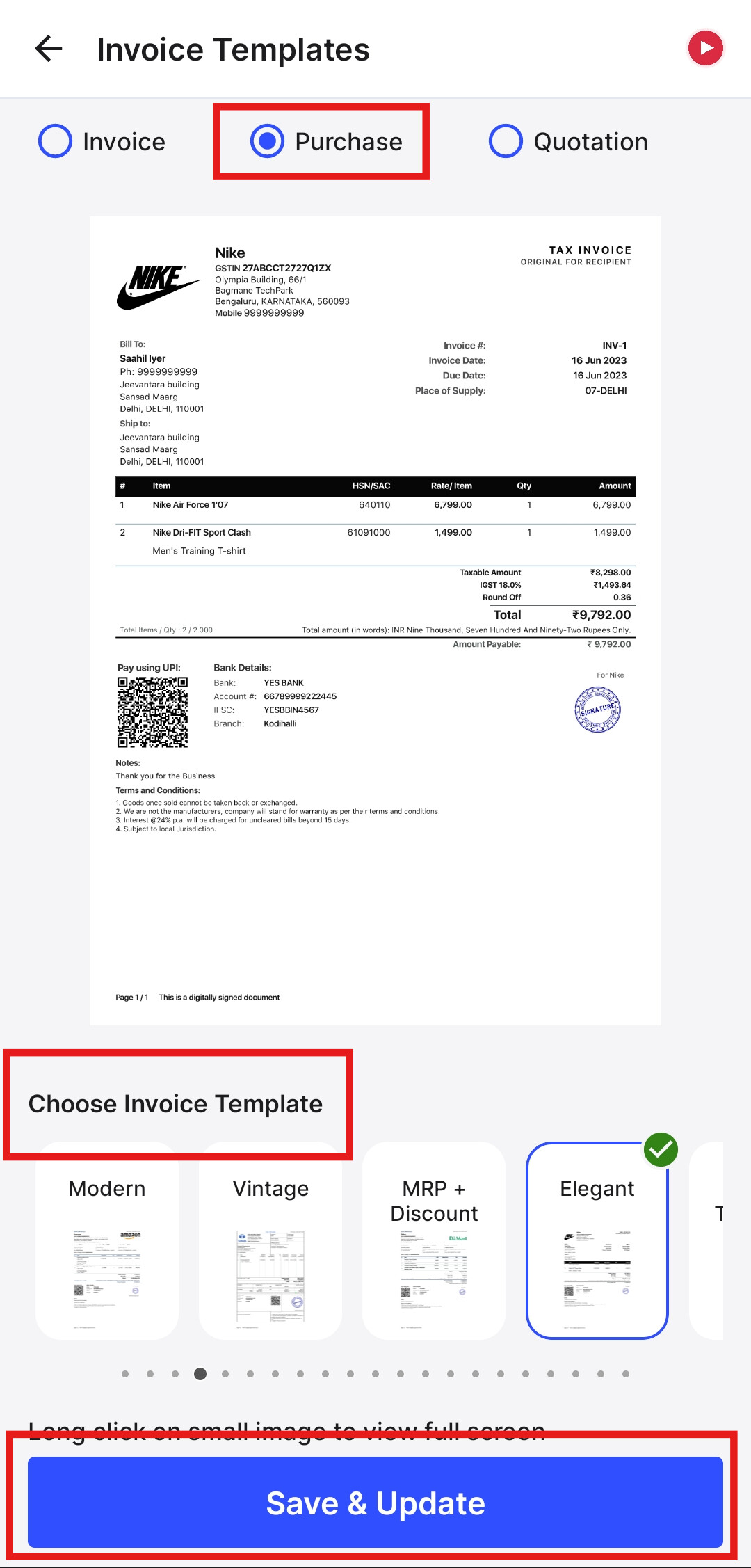
To change the Invoice Template for Purchases/Purchase Order/Debit note, please follow the below mentioned steps:
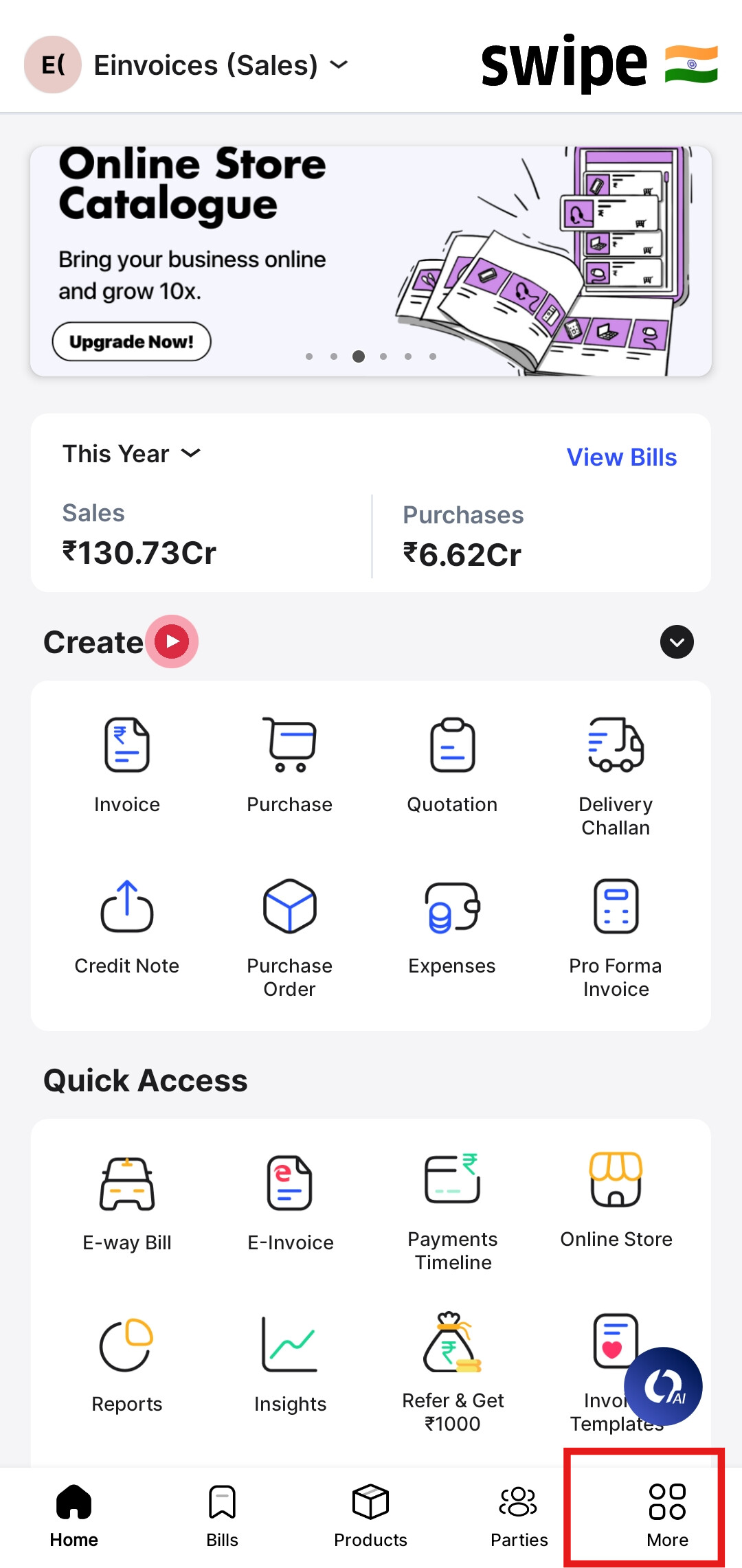
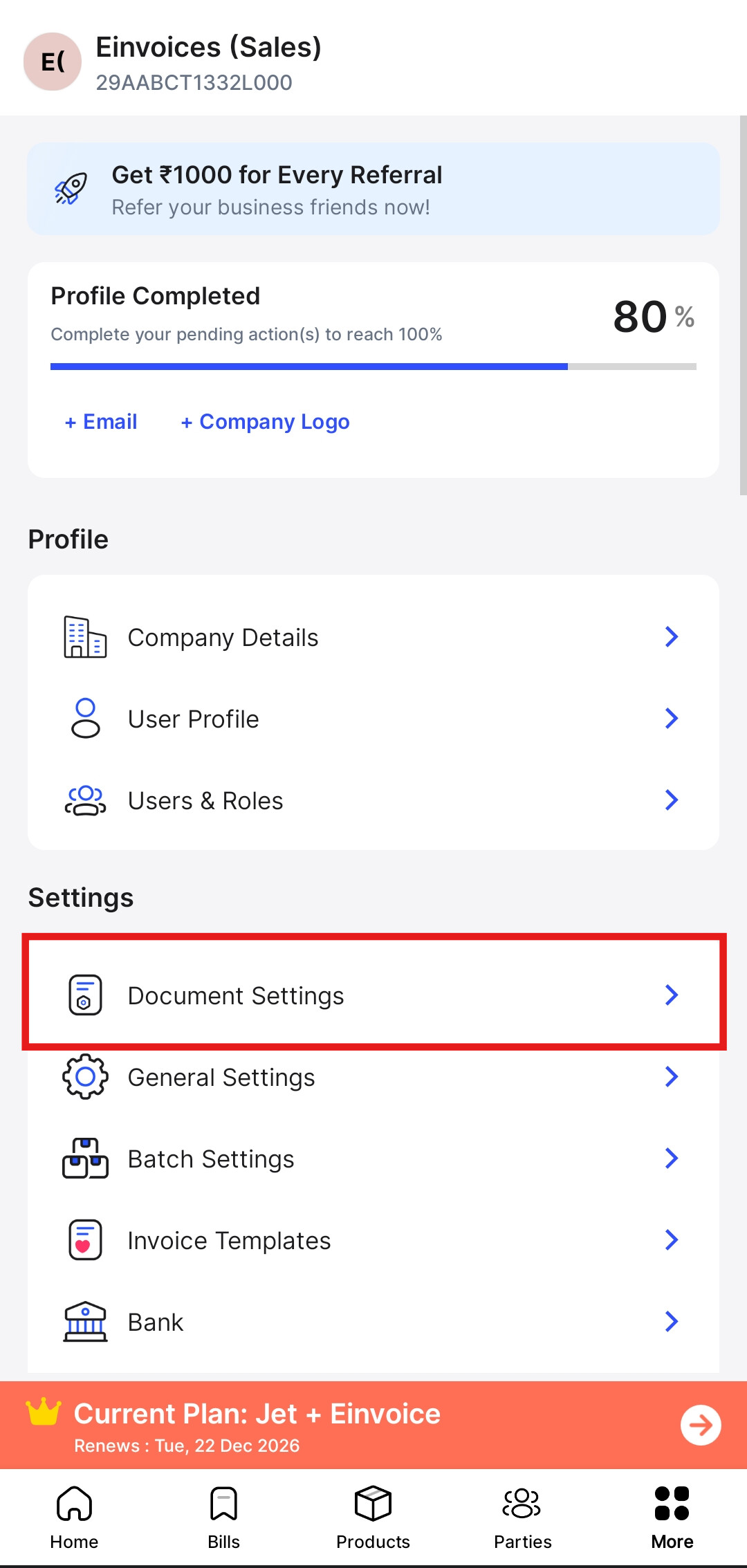
Step 1: Go to More Option and click on Document Settings.
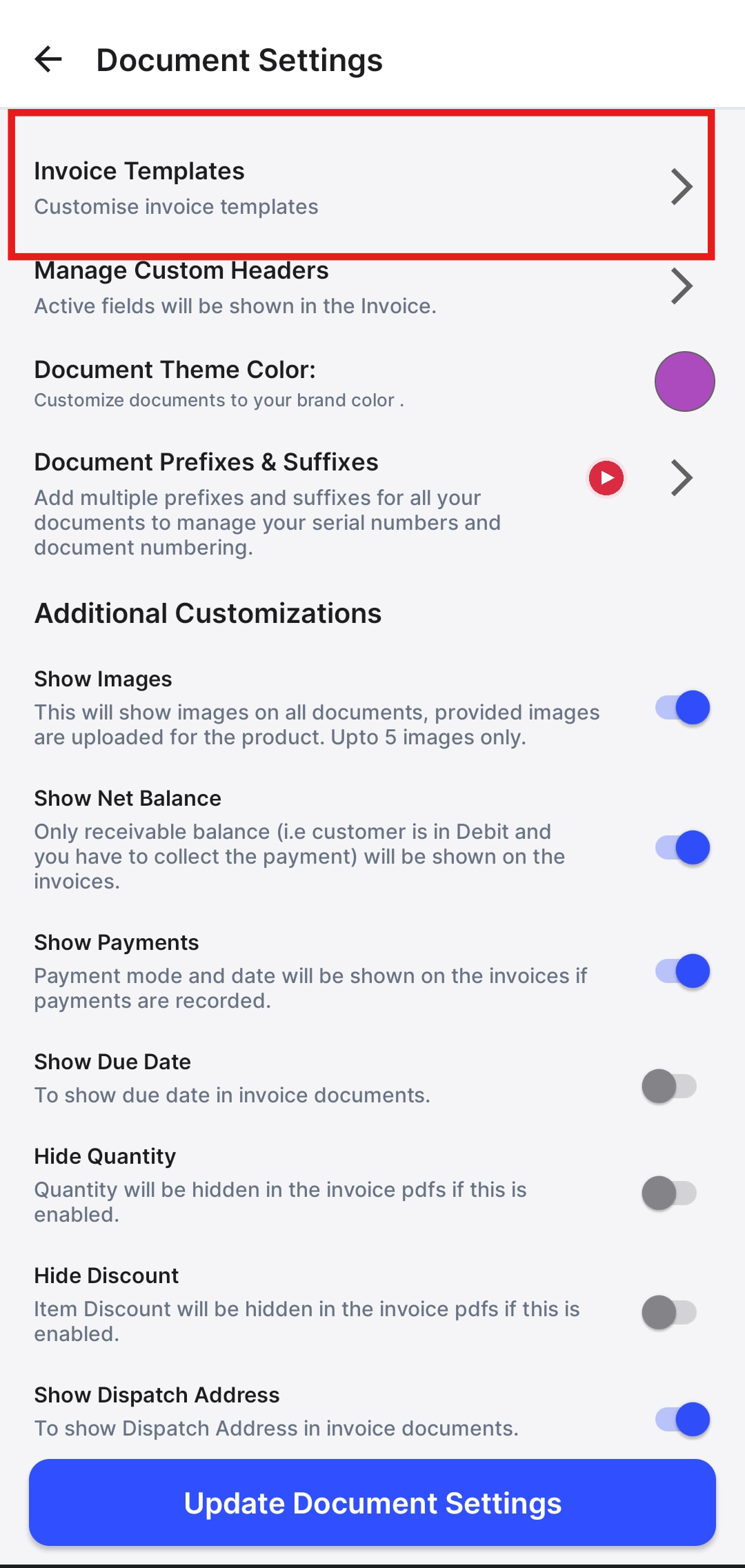
Step 2: Click on Invoice Templates.
Step 3: Now select Purchase and click on Choose Invoice Template.
Now, Choose the required template and click on Save and Update.