To change the invoice dispatch address in Mobile, please follow the steps:
Step-1: From home page click on Bills.

**
Step-2:** Click on the 3 dots for the invoice which you want to change despatch address.

**
Step-3:** Now click on Edit.

Step-4: Click on Change beside Despatch from.

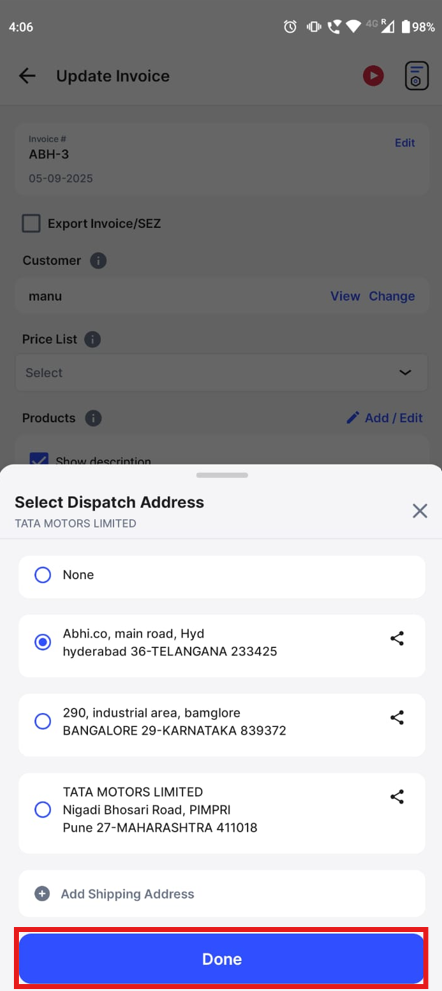
Step-5: Now choose the address that you want to change and click on Done.
Step-6: Click on Update to save the changes.
