Please follow the steps mentioned below to apply item level extra discount in an invoice:
Step 1: Go to Document settings

Step 2: Click on Add Custom fields

Step 3: Click on New Custom field

Step 4: Add a custom field named as Item Extra Discount(-)

Step 5: Enable Show in Totals option for the Item Extra Discount(-) field

Step 6: Click on Edit option for the Total Amount field

Step 7: Select the type as Formula >> Add the formula as Total Amount - Item Extra Discount >> Click on Save


Step 8: Click on Edit option for the Net Amount field

Step 9: Select the type as Formula >> Add the formula as Net Amount * 1 >> Click on Save

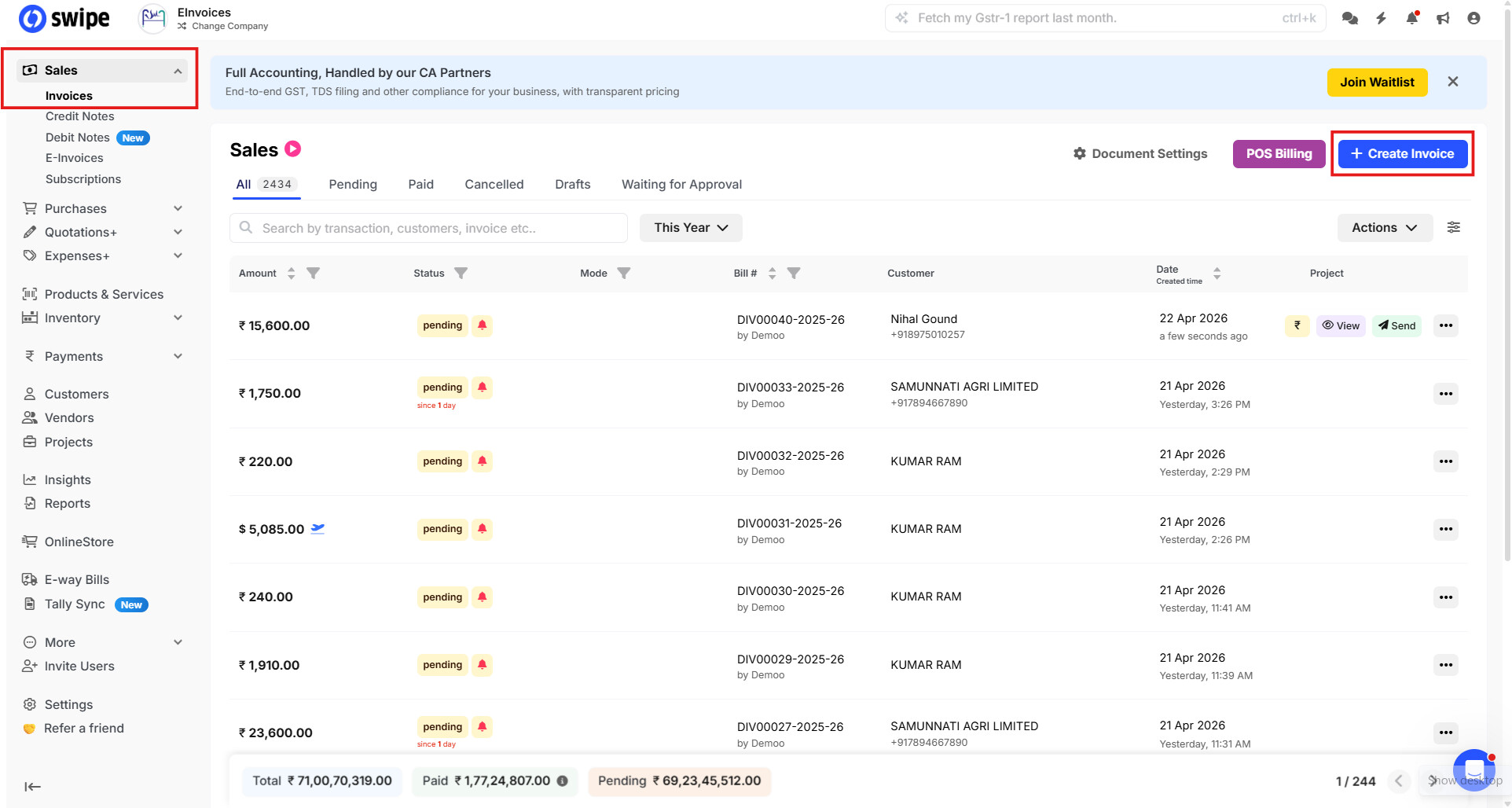
Step 10: Go to Sales dashboard >> Click on +Create Invoice
Step 11: Enter the necessary details in the invoice as shown below >> Click on Save

Example:
For businesses like tobacco, where a discount needs to be applied on the unit price but the taxable value and tax amount should remain unchanged, the item-level extra discount feature can be used.
For instance:
- Product value: ₹1,000 (inclusive of 5% tax)
- You want to give an additional discount of ₹20
In this case, the system will:
- Calculate the taxable value and tax on ₹950 (i.e., price before discount impact on tax)
- The ₹20 discount will be applied separately without affecting the taxable amount or tax calculation
As a result:
- Tax is calculated on ₹950
- Final invoice value becomes ₹980 after applying the ₹20 discount
This ensures compliance where tax remains unchanged, while still allowing you to offer discounts on the product price.
Now the invoice will be successfully created by applying the extra discount at item level and this extra discount will not affect the taxable amount as shown below
