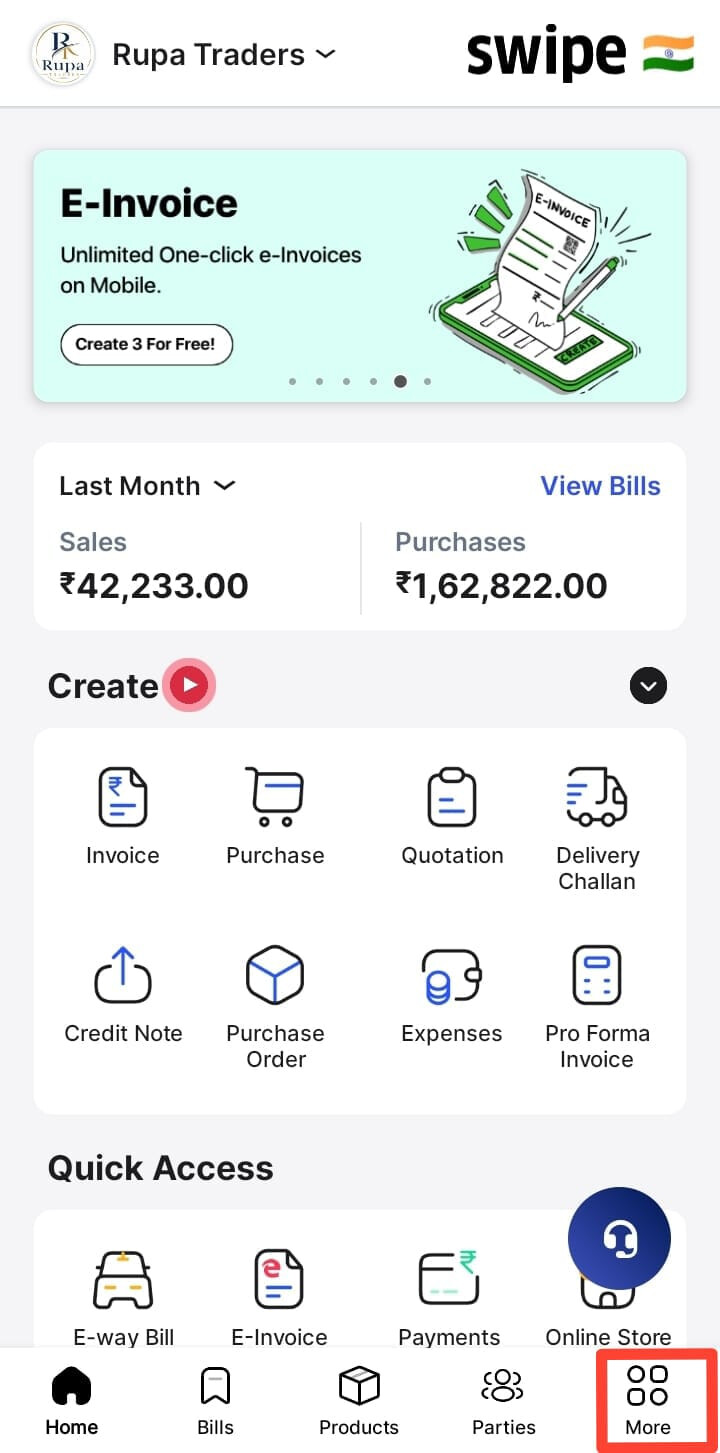
To add Social links on Swipe in Mobile, please follow the steps mentioned below:
Step 1 : Click the More option > > Scroll Down > > Click on Social links
Step 2 : After clicking Social links, Add the Social links > > Click on Save and Update.