To download payment receipt for multiple transactions please follow the steps mentioned below:
Step 1. Click on the Invoice for which you want to download the receipt.

Step 2. Scroll a bit up and click on View Receipt.

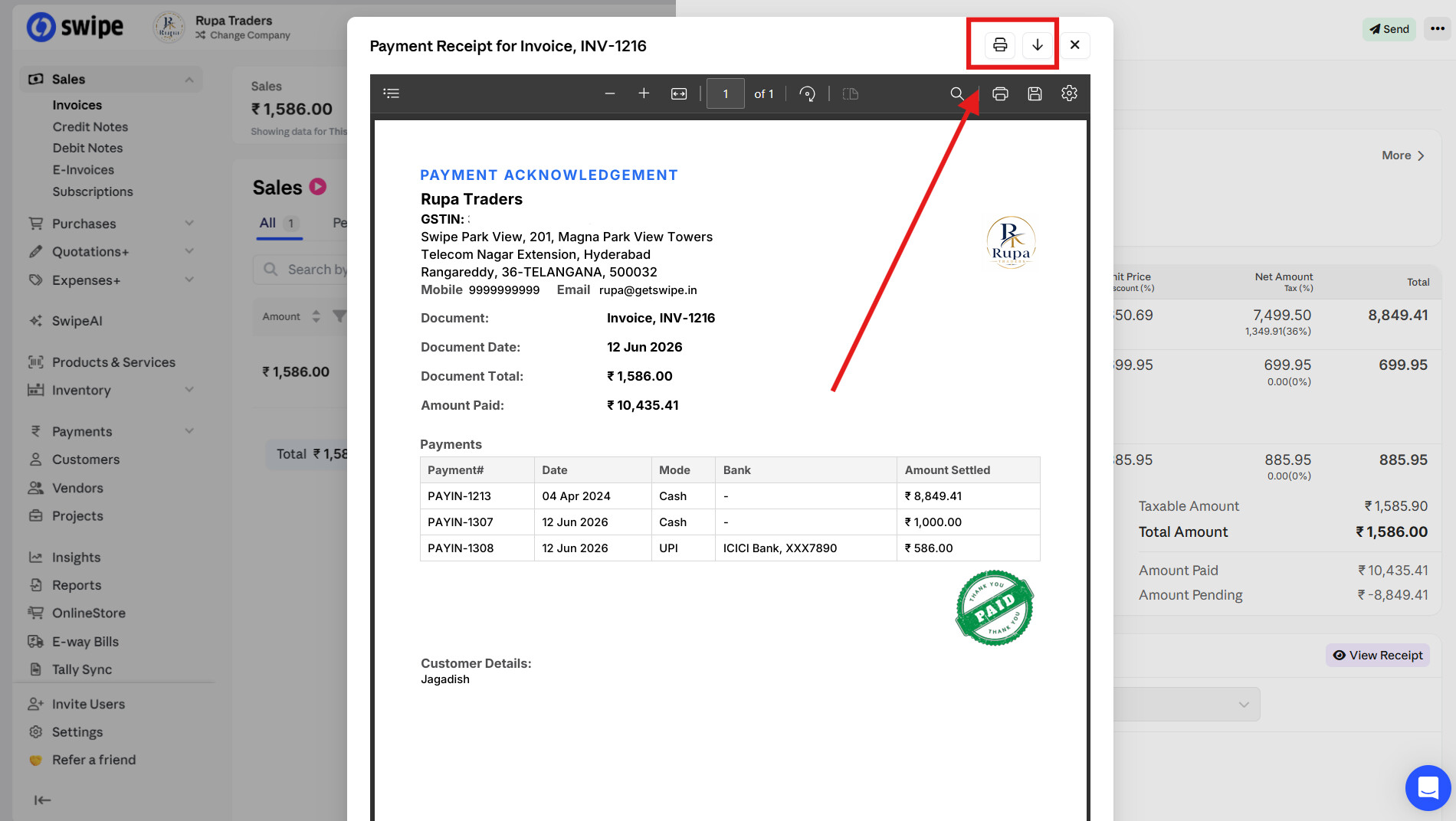
Step 3. Click on the Download or Print option as per your requirement.
Please Note: This feature is only available in Web Version.