To view the overall sales made by the user,
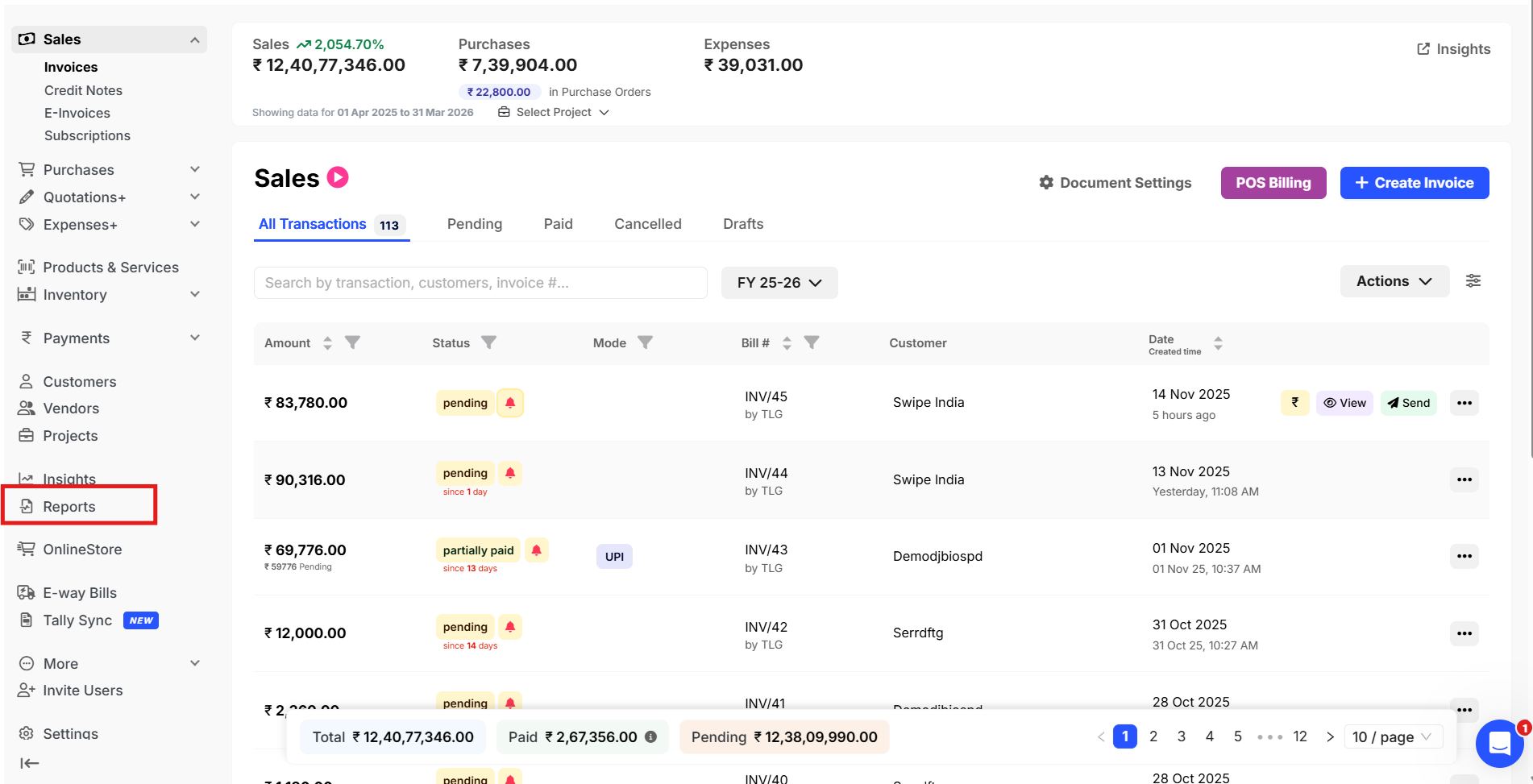
Step 1: Go to “Reports”.
Step 2: Under the report section, go to “Transaction Reports” and select “Sales” >> Apply the “date filter” >> You can also select the customer if you want to view sales made by the user for the particular customer.

Step 3: Click on “Manage Column” and select “Created By”.
This will add one extra column “Created by” in the report to show the “User name”.

Step 4: Check the “Created by” Column and download the report.

You can view the overall sales made by the user during a particular period by selecting the name in the “Created By” filter.