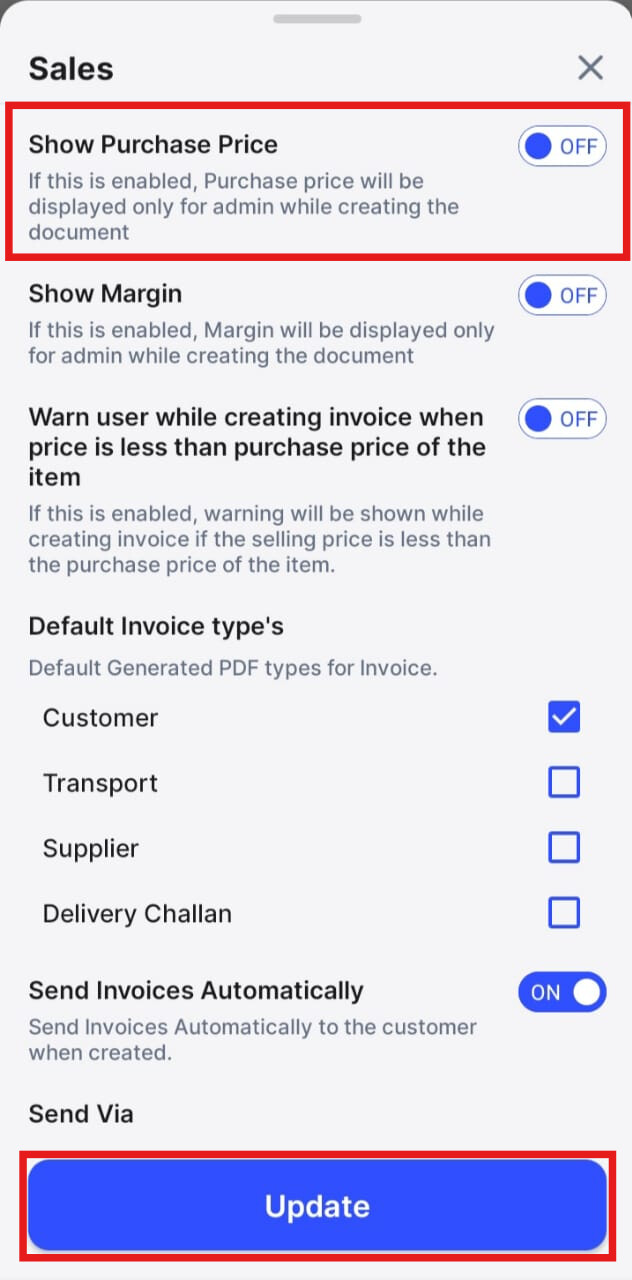
To see purchase price of the product while creating sales invoice on mobile please follow the below mentioned steps:
Step 1: Click on More in your swipe application.

Step 2: Go to General Settings.

Step 3: Here click on Sales.

Step 4: Enable the Show purchase price toggle and click on Update.