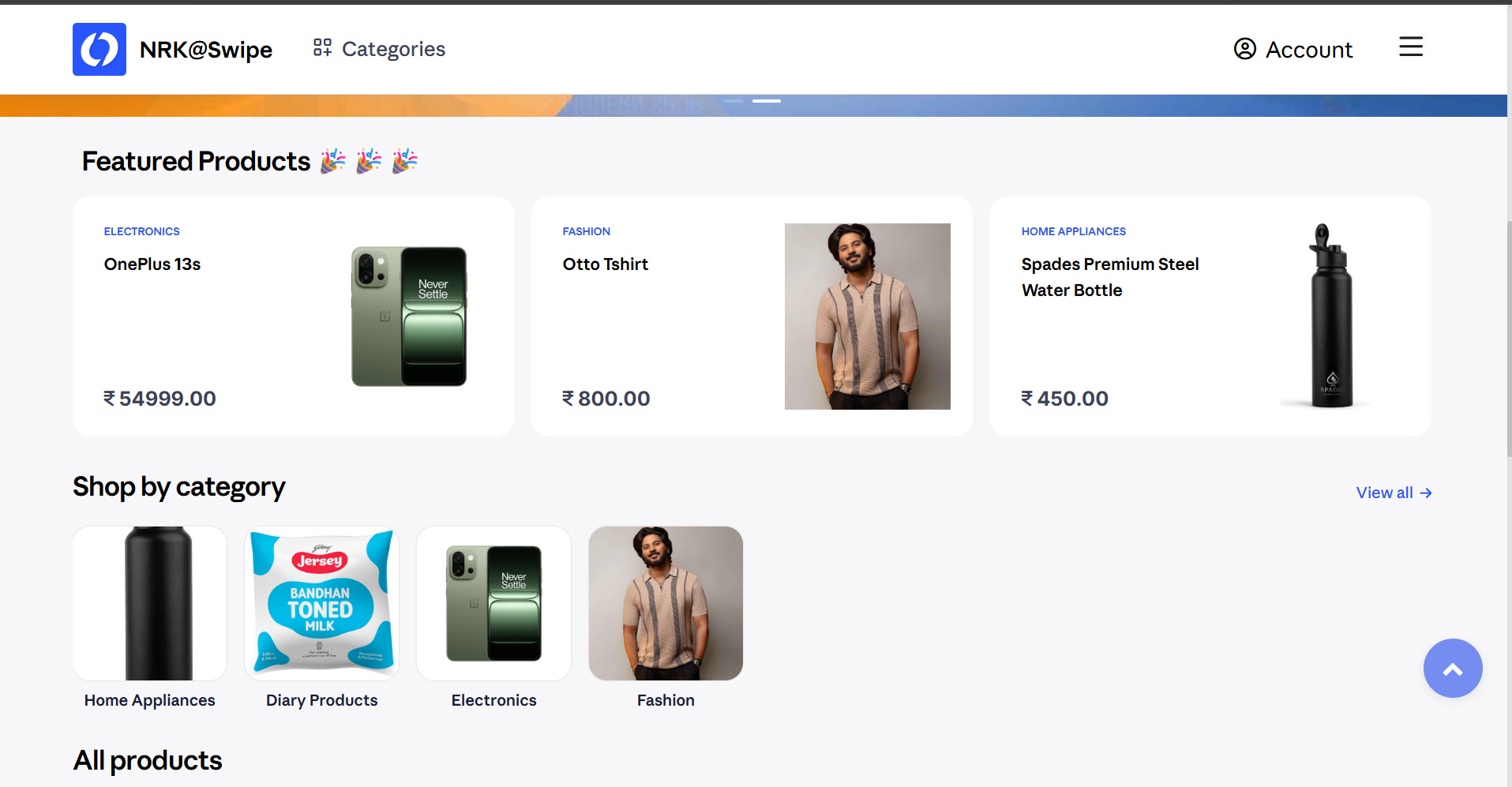
Please follow the steps below to obtain the demo credentials for logging in to your online store:
Step 1: From the dashboard, Select Online Store >> Select the drop down icon next to Refresh Orders >> Click on Online Store Settings

Step 2: Under Access >> Enable the Require Login option >> You can now copy the demo credentials

Step 3: Open the Online Store >> Enter the Mobile Number >> click Get OTP

Step 4: Enter the OTP >> Select Verify & Login

Once you’ve completed these steps, you’ll be able to access and view your online store.